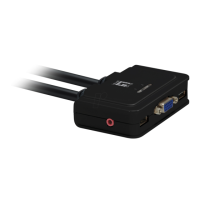
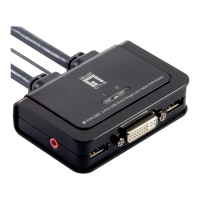
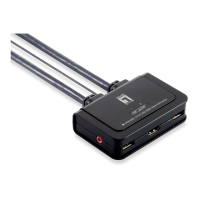
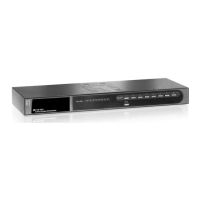
piattaforme non-PC come ad esempio Mac OS.
3. Collegare la tastiera USB condivisa, il mouse USB, il monitor
D-Sub, altoparlanti/cuffie e microfono alle relative porte dello Switch
KVM.
(I modelli KVM-0222 e KVM-0422 non supportano la
commutazione audio)
4. Collegare ciascuna porta PC del KVM a un computer, utilizzando il
cavo combinato KVM 3-in-1 e il cavo audio/MIC. Una volta collegati
lo Switch KVM e i computer in modo corretto, l’utente può cominciare
immediatamente ad utilizzare lo Switch KVM.


 To Next Page
 Loading...