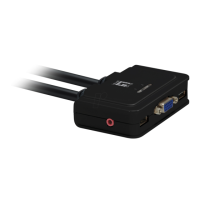
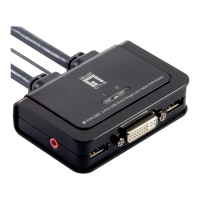
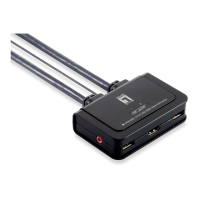
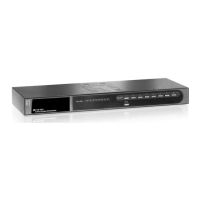
3. Connect the shared USB keyboard, USB mouse, D-Sub monitor,
speaker/headphone and microphone each to its port on the KVM
Switch.
(Models KVM-0222 and KVM-0422 not support audio switching)
4. Connect each KVM PC port to a computer, using the slim 3-in-1
KVM combo cable and the audio/MIC cable. Once the KVM Switch
and computers connected properly, user can now operate the KVM
Switch immediately.


 To Next Page
 Loading...