6
2 Security Button
This section describes how to use Security button for configuration in the following situations:
Creating a new security network
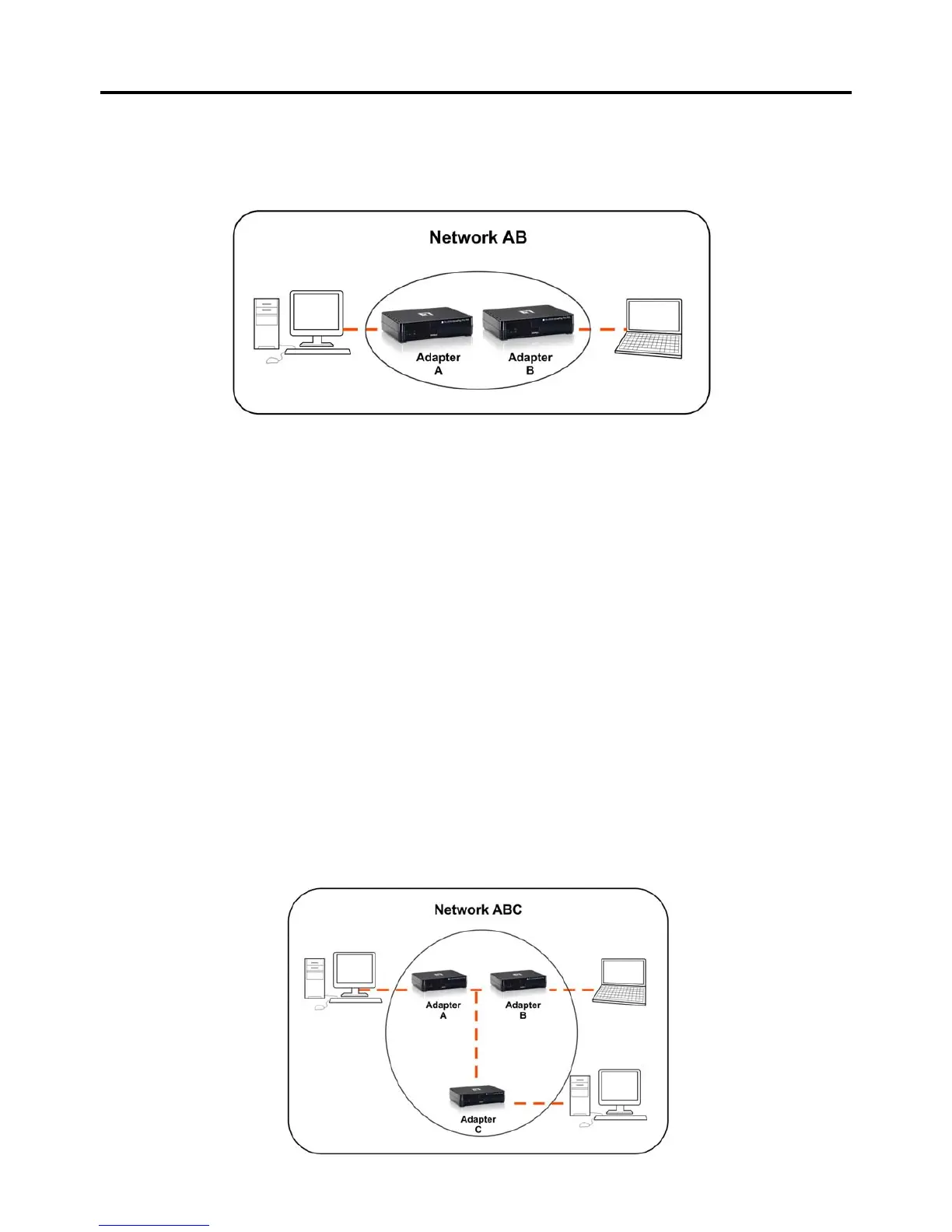
Two unassociated Adapters (Adapter A and Adapter B) are forming a new network—Network AB
The procedure is as follows:
1. Press and hold the security button on Adapter A for 10 seconds and release it when device LED auto reboots.
The password to Adapter A becomes “Random_A”
2. Press and hold the security button on Adapter B for 10 seconds and release it when device LED auto reboots.
The password to Adapter B becomes “Random_B”
3. Currently, Adapter A and Adapter B are not networked
4. Press and hold the security button on Adapter A for 2 seconds then release.
5. The Power LED on Adapter A starts to flash.
6. Within 120 seconds after the Power LED on Adapter A starts to flash, press and hold the security button on
Adapter B for 2 seconds then release.
7. Both Adapter A and Adapter B are now networked together.
Adding Adapter C to existing Network AB (Adapter A and Adapter B)
One unassociated Adapter C is added to an existing Network AB.



 To Next Page