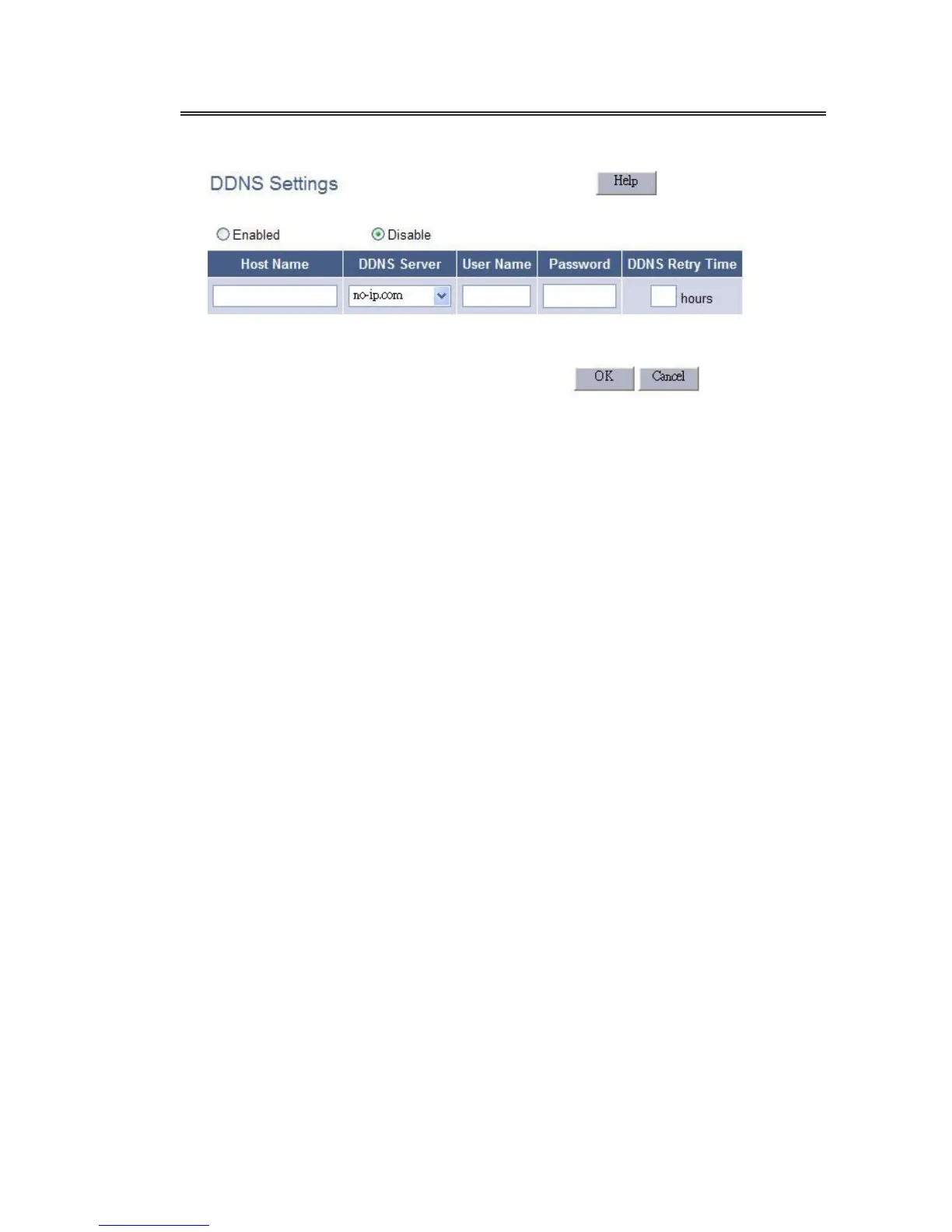
4.2.8.7 DDNS
Enabled
Check this item to enable the DDNS settings
Disabled
Check this item to disable the DDNS settings
Host Name
Set your host name that need to do DDNS update.
DDNS Server
Set the DDNS server that updates your IP address.
User Name
The DDNS server requires you to supply a name and password to update
your IP address. You have to register the user name and password offline
to the specific DDNS server.
Password
The DDNS server requires you to supply a name and password to update
your IP address. You have to register the user name and password offline
to the specific DDNS server.
DDNS Retry Time
Set the time interval to update your IP address to ddns server.
Note:
Set DDNS Retry Time = 0 if DynDNS server is selected.



 To Next Page