Chapter 3 Configuration
The default setting of DHCP Server inside VoIP Gateway is turn ON, So please set up
your PC TCP/IP network as “Get IP Automatically” from DHCP to get internal IP from
VoIP Gateway. By default, The VoIP Gateway will become the network gateway and
default IP is 192.168.22.1 and will assign your PC IP as 192.168.22.X.
Please go to “Control Panel”→”Network”. In the “Configure” page, choose the TCP/IP of
LAN card, and press “Properties” please choose “Obtain IP Address Automatically”
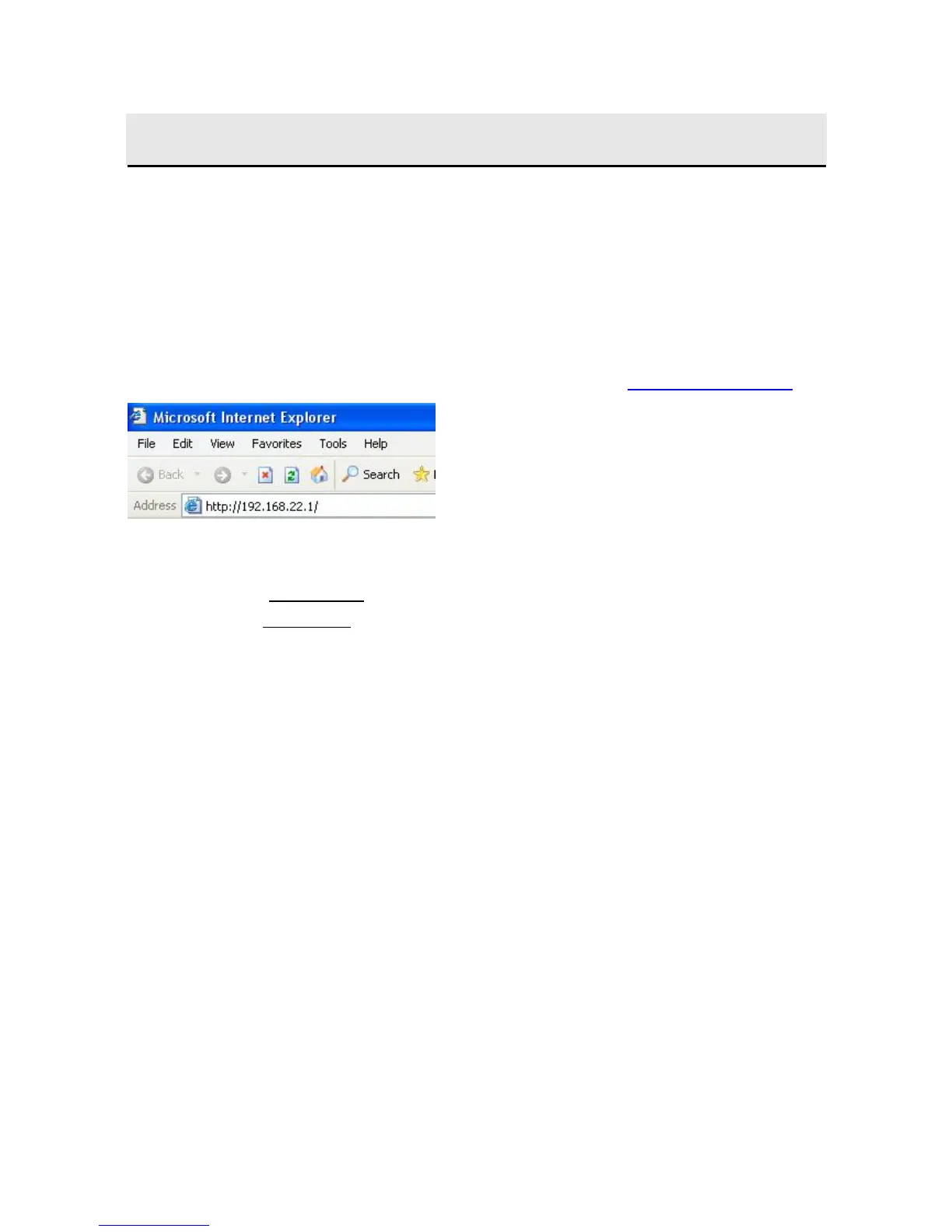
Launch your browser and open the Internal UI WAP page as 24H24H24Hhttp://192.168.22.1
The default User name is voip
The default Password is 1234



 To Next Page