3.1 Connection
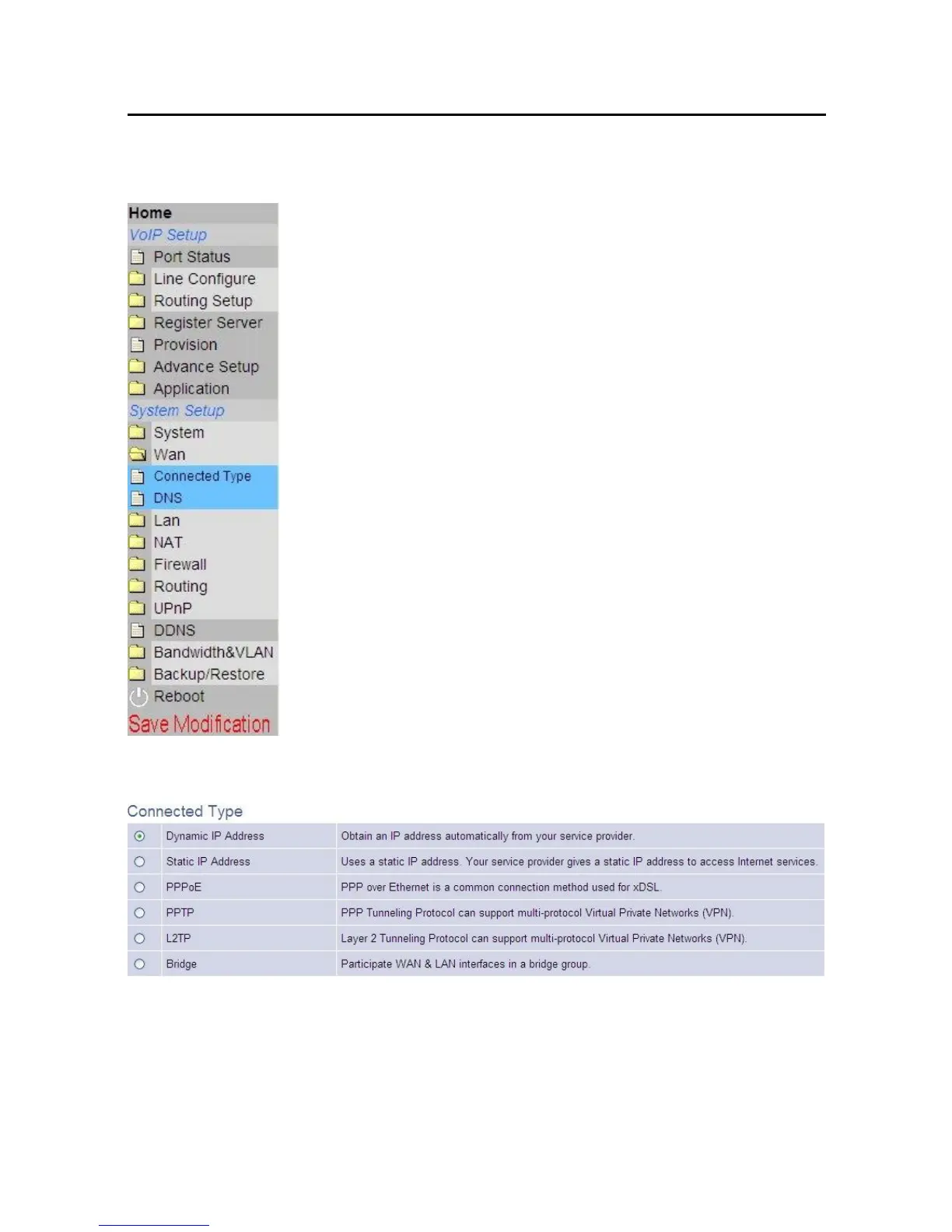
Click “Connected Type” option below “System Setup\Wan” item:
To use Static-IP ADSL connection, please select “Static IP Address” and enter
WAN IP settings.
Please select the type of Internet connection you have
and set up the VoIP Gateway to use the Dynamic IP
Address, Static IP Address, PPPoE, PPTP or L2TP
connection.
If your ISP has not given you an IP address, select
Dynamic IP Address (default). If you have been given
a specific IP address, select Specify an IP Address.



 To Next Page