4.2.10 Backup/Restore
4.2.10.1 Configuration
/Backup-Restore/Configurations/
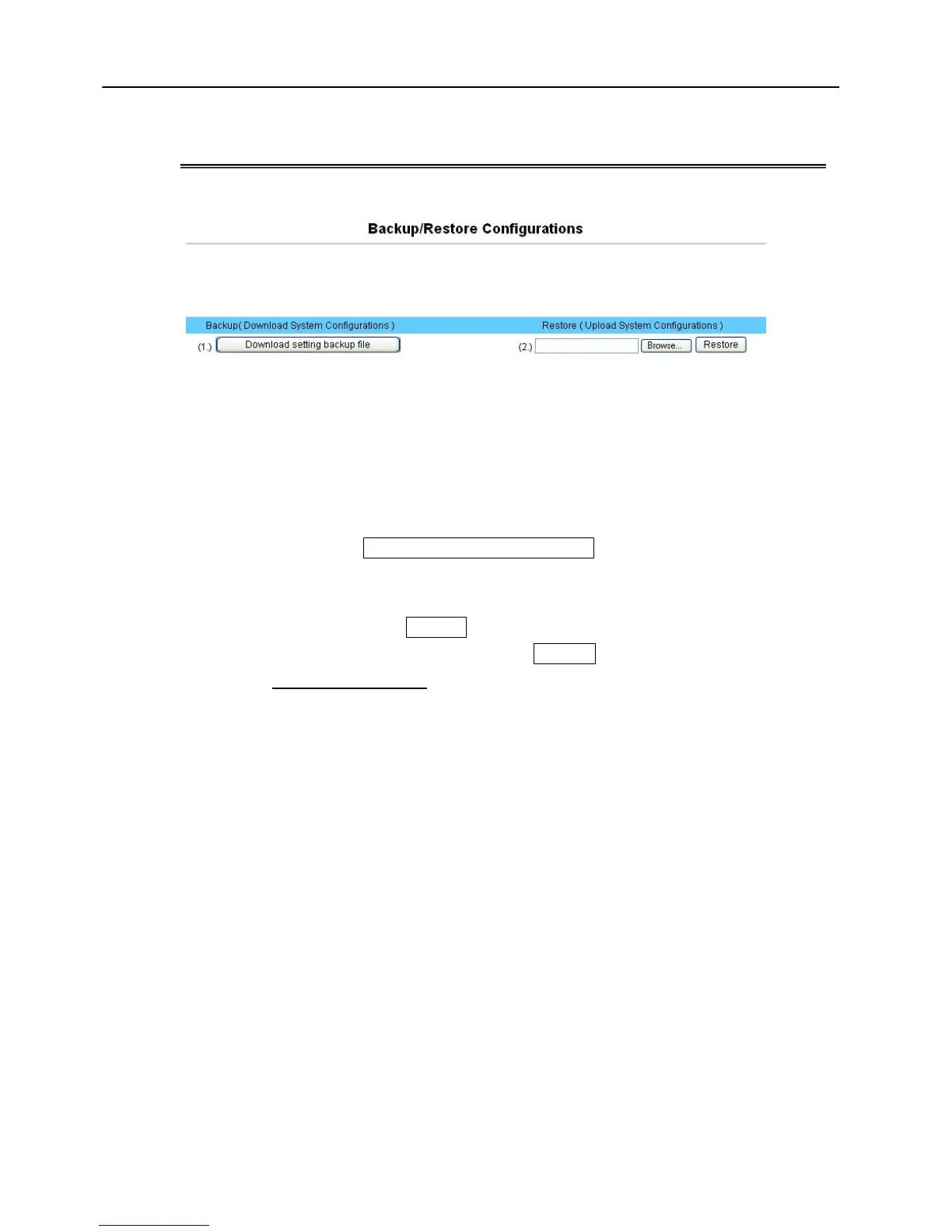
This page let you backup / Restore all of your configuration parameters on the
VoIP Gateway. It is very good idea to back up all of your VoIP Gateway
configuration parameters after install.
a. To Backup, press Download setting backup file, and input the file name you
want and file location to save.
b. To Restore, press the Browse button the select the backup configuration
parameters file to upload then press Restore . After you upload the file,
Press Saved modification to save your current configuration to Flash ROM
(Usually used to save currently WAN configuration).After save, please
remember to Reboot the VoIP Gateway to let the restored parameters take
effective.
*** Caution: Never power off the VoIP Gateway when during Restore configure or
upgrade VoIP module or System, it will cause permanent damage when power off
during writing Flash inside VoIP Gateway.



 To Next Page