Setup
28
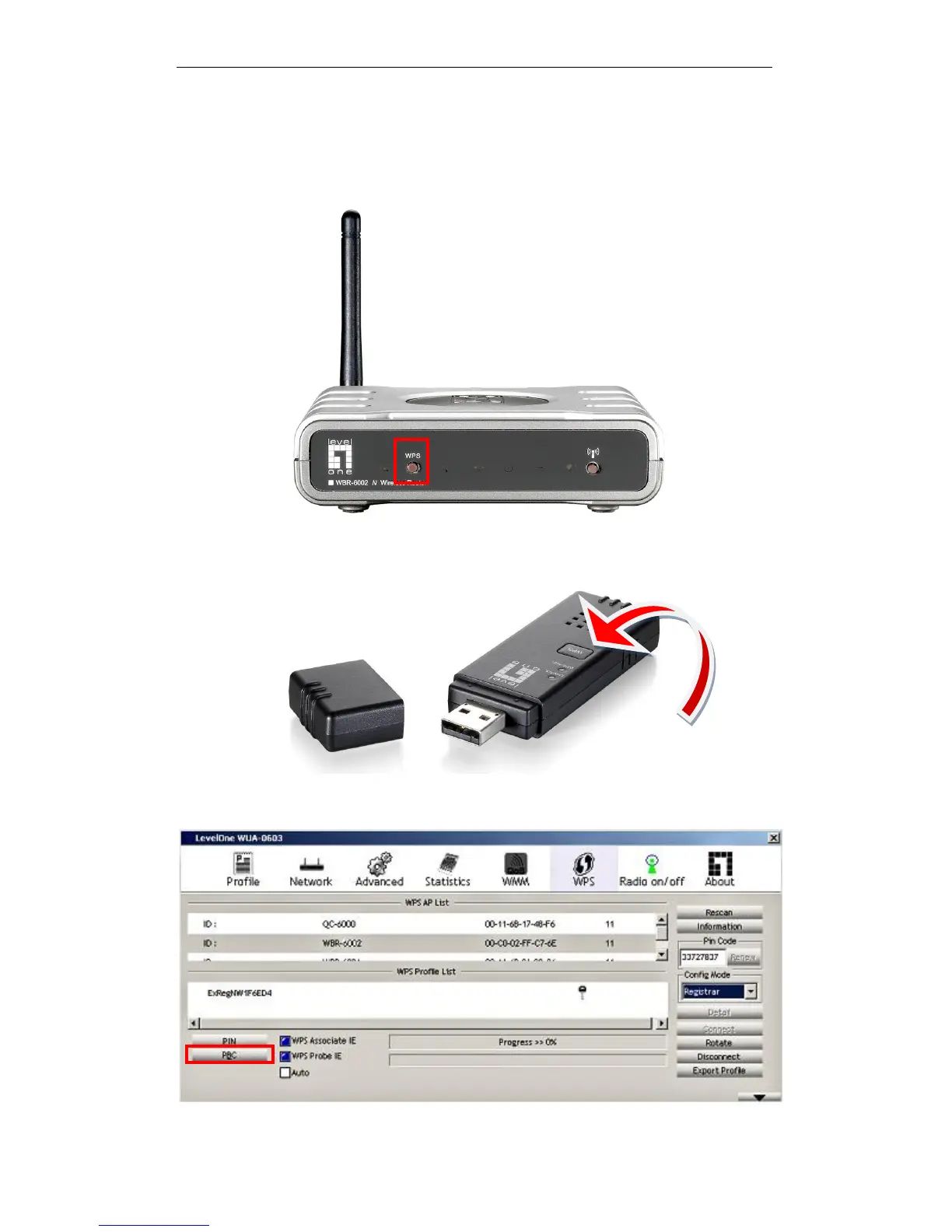
An alternative is to press the WPS button at the front of the router until the WLAN
light starts flashing. This indicates that WPS is activated and ready to be paired
with client device. The WPS will be in pairing mode (flashing) for 1 minute.
Then press and hold the WPS button on your wireless client for 1 second.
If your device has no physical WPS push button, then you can push the software
button in the utility.















 To Next Page