Setup
30
WDS Environment
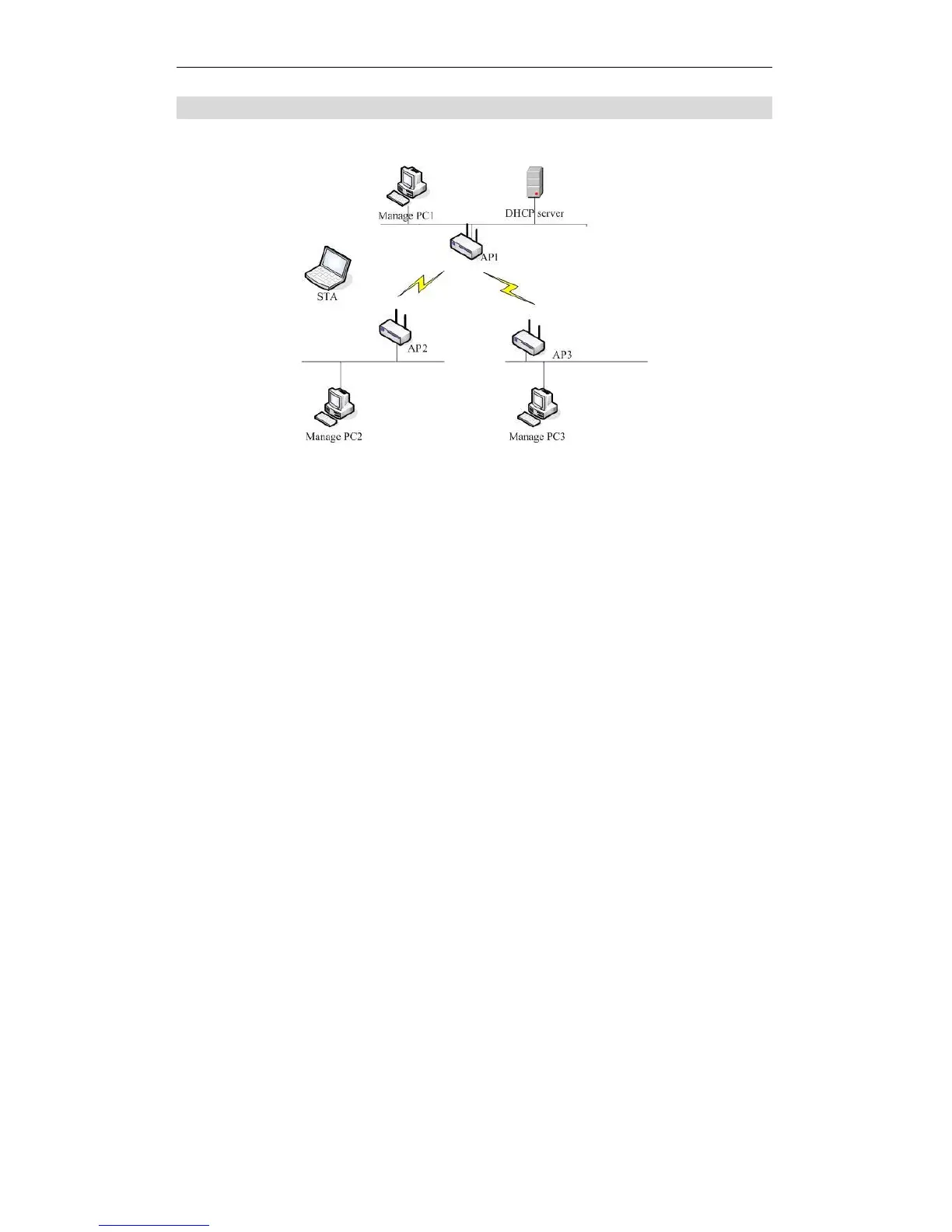
Below is an example of how a WDS operates.
Wireless Distribution System
1. AP1, AP2 and AP3 are configured to use the same Channel and Security
settings.
2. Enter AP2 and AP3’s MAC addresses into AP1’s WDS MAC Address list.
3. AP1 and AP2 should connect via WDS, AP1 and AP3 should connect via
WDS.
4. Now the network client (STA) connects to AP2 or AP3 and obtains an IP
address from AP1’s DHCP Server.















 To Next Page