PC Configuration
40
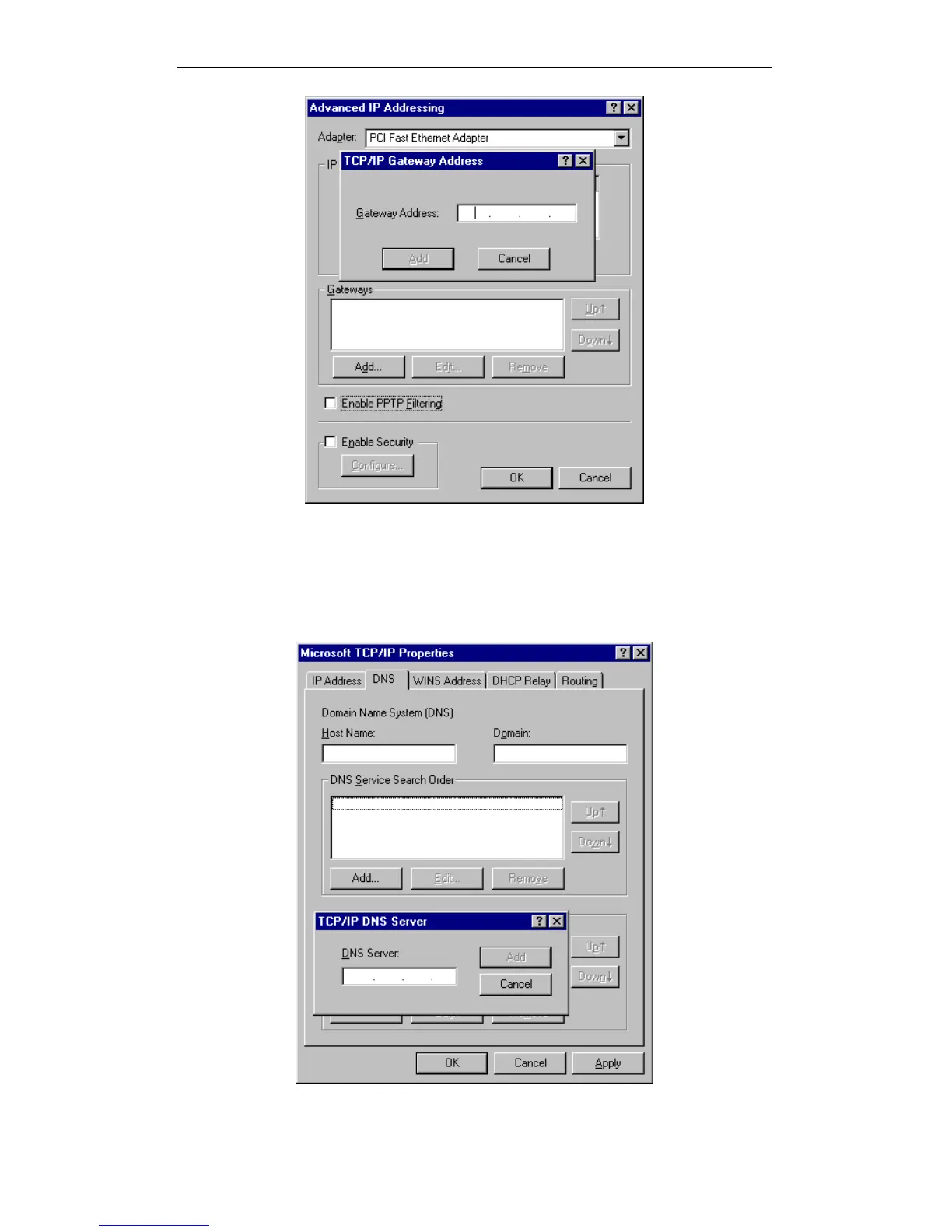
Windows NT4.0 - Add Gateway
2. The DNS should be set to the address provided by your ISP, as follows:
Click the DNS tab.
On the DNS screen, shown below, click the Add button (under DNS Ser-
vice Search Order), and enter the DNS provided by your ISP.
Windows NT4.0 - DNS















 To Next Page