Advanced Administration
96
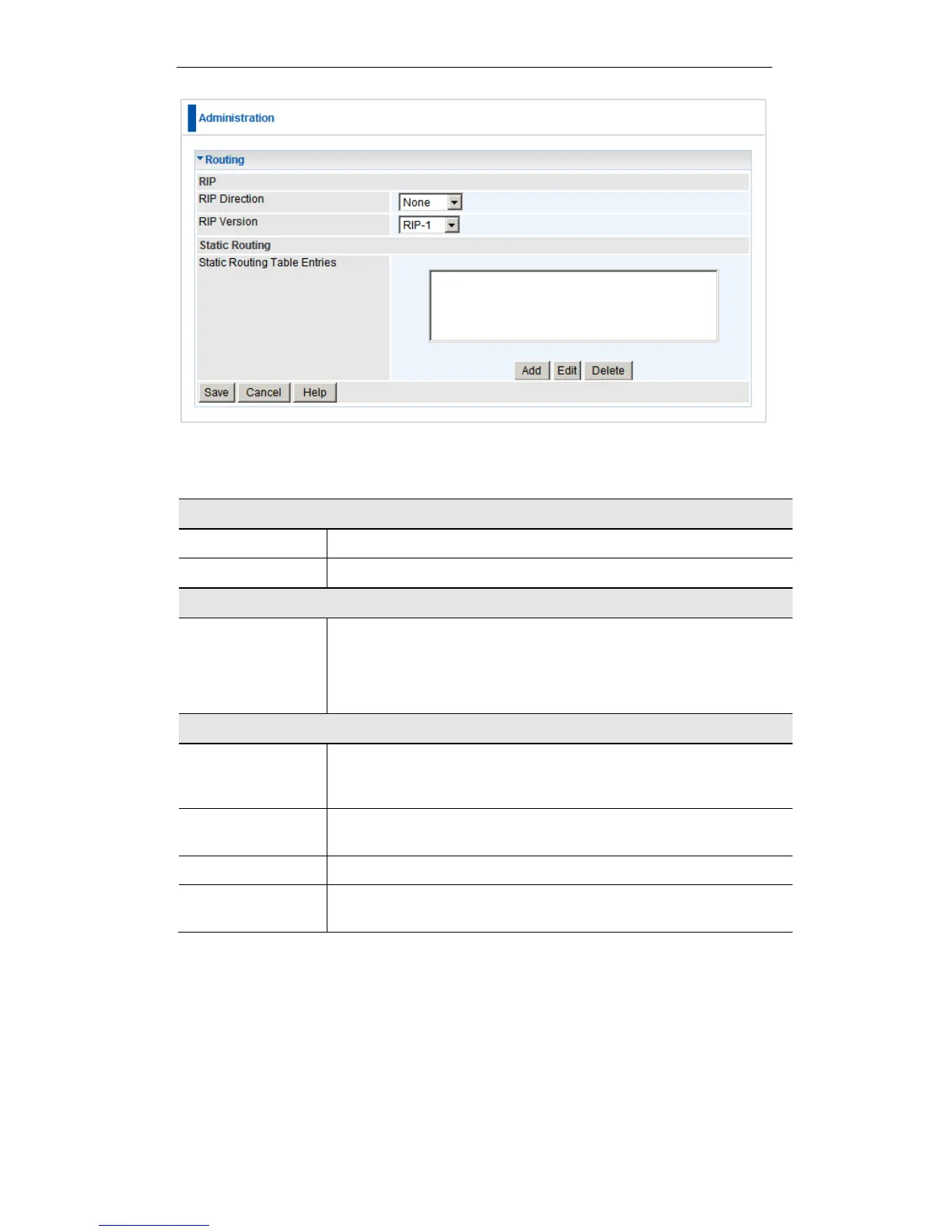
Routing Screen
Data - Routing Screen
Select the desired RIP Direction.
Choose the RIP Version for the Server.
Static Routing
Table Entries
This list shows all entries in the Routing Table.
This area shows details of the selected item in the list.
Change any the properties as required, then click the "Edit"
button to save the changes to the selected entry.
Add a new entry to the Static Routing table, using the data
shown in the "Properties" area on screen. The entry selected in
the list is ignored, and has no effect.
Update the current Static Routing Table entry, using the data
shown in the table area on screen.
Delete the current Static Routing Table entry.
Save the RIP setting. This has no effect on the Static Routing
Table.















 To Next Page