21
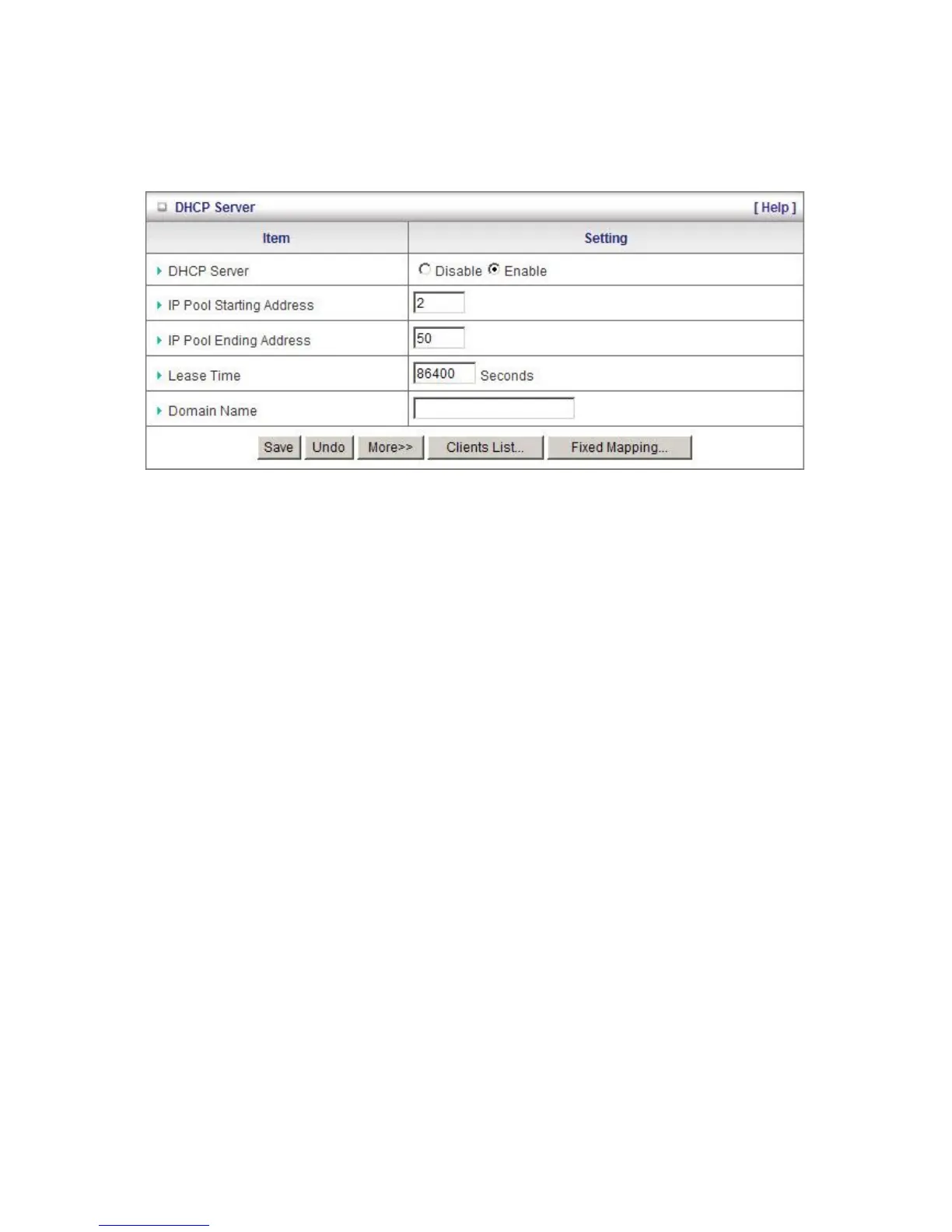
DHCP Server
This page allows you to configure the DHCP server on the N Wireless 3G Router
For more settings click on More.
DHCP Server: To either Disable or Enable DHCP Server.
Lease Time: DHCP lease time to the DHCP client
IP Pool Starting/Ending Address: The pool of IP’s that can be allocated to clients
Domain Name: To assign a Domain Name (optional)
Clients List: Check the DHCP client list.
Fixed Mapping: Take you to the Security > MAC Control page. (see page 35)
After you finish your selections click either Save to store your settings, or Undo to exit.













 To Next Page