55
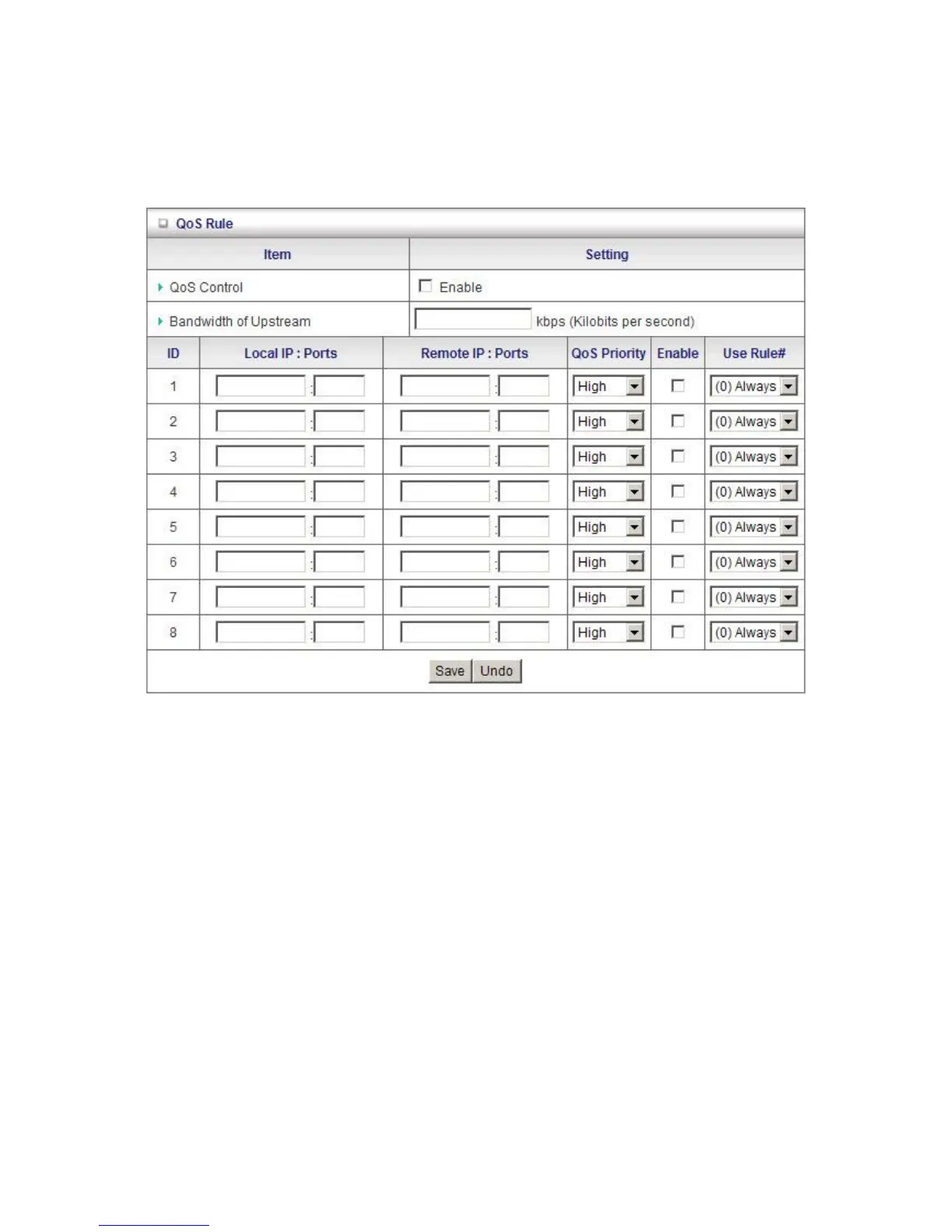
QoS Rule
Here you can set the parameters for QoS (Quality of Service). This function allows you to specify
which types of data packets are given priority. For example you can increase the priority of Voice
Over IP or gaming packets so that they are handled first by WBR-6800.
To enable QoS Control, tick Enable.
Local IP: Please input Client IP, Example: 192.168.12.33. This is the computer that the rule applies.
Remote Priority: Please input Global IP and port, Example: 168.96.2.3 and port 21.
This is so that the QoS Rule only applies to packets from this Internet source.
Priority: Please set whether this particular rule should be given a High, Normal or Low priority.
Schedule Rule #: Specify which schedule this rule will follow. Eg: What times the rule applies.













 To Next Page