22
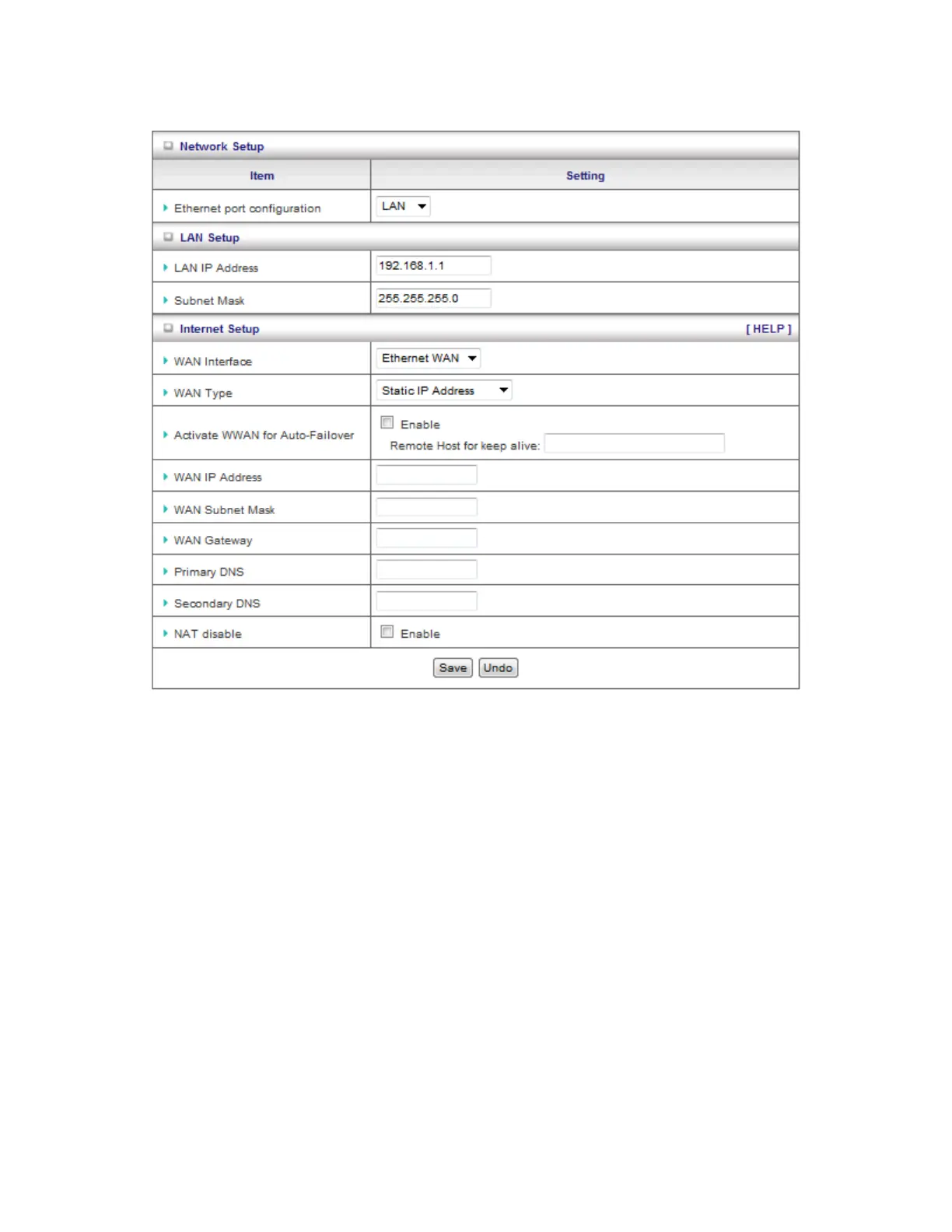
B. Static IP Address:
1. Activate WWAN for Auto-Failover: With this function enabled, when the Ethernet WAN
connection is broken, the device will automatically activate the WWAN connection and
keep you connected to internet with the alternative WWAN broadband service. Meanwhile,
if the device detected that the Ethernet WAN connection is recovered, your broadband
connection will be switched to use the Ethernet WAN service.
2. WAN IP Address, Subnet Mask, Router, Primary and Secondary DNS: Enter the
proper settings provided by your ISP.














 To Next Page