23
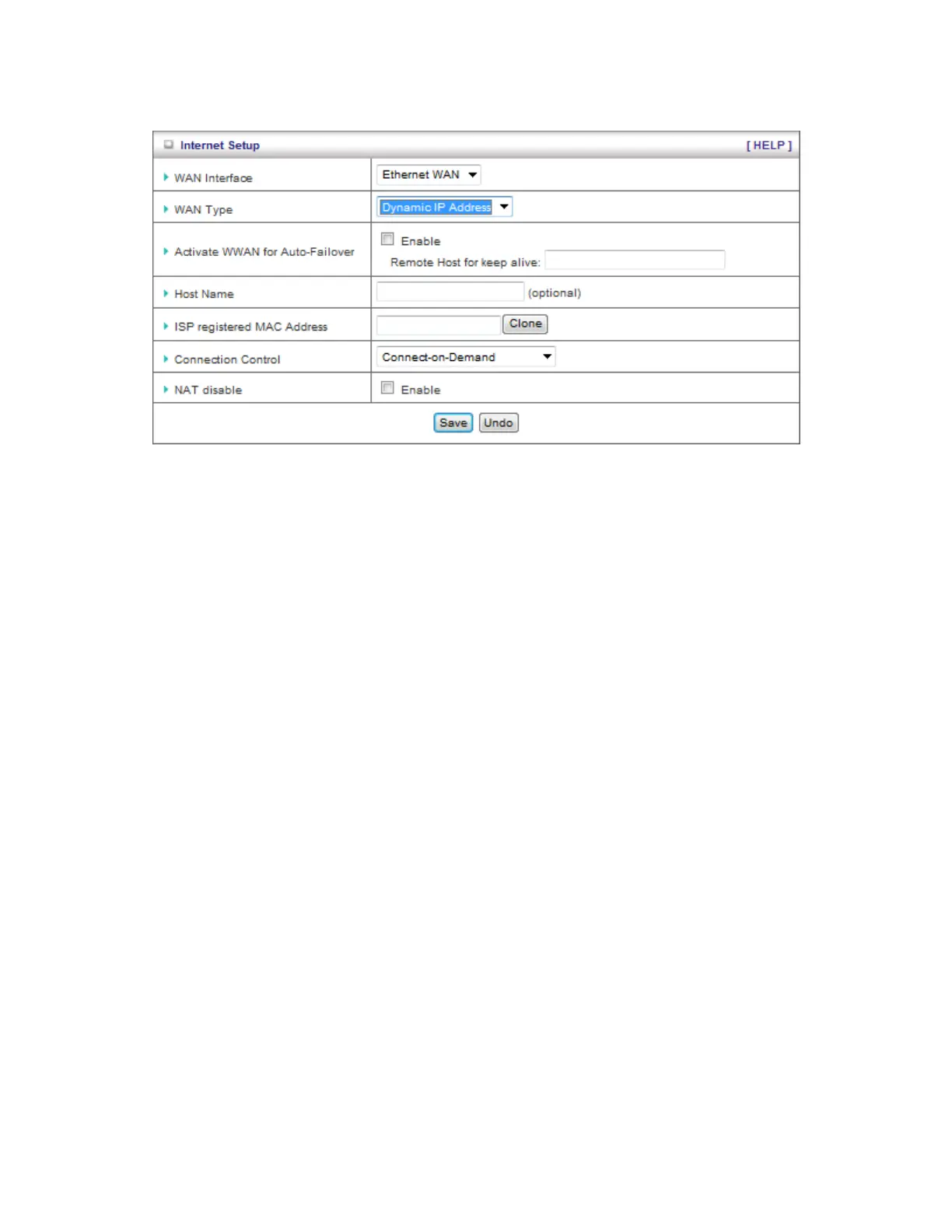
C. Dynamic IP Address:
1. Activate WWAN for Auto-Failover: With this function enabled, when the Ethernet WAN
connection is broken, the device will automatically activate the WWAN connection and
keep you connected to internet with the alternative WWAN broadband service. Meanwhile,
if the device detected that the Ethernet WAN connection is recovered, your broadband
connection will be switched to use the Ethernet WAN service
2. Host Name: Optional, required by some ISPs, for example, @Home.
3. Connection Control: There are 3 modes to select:
Connect-on-demand: The device will link up with ISP when the clients send
outgoing packets.
Auto Reconnect (Always-on): The device will link with ISP until the connection is
established.
Manually: The device will not make the link until someone clicks the
connect-button in the Status-page.














 To Next Page