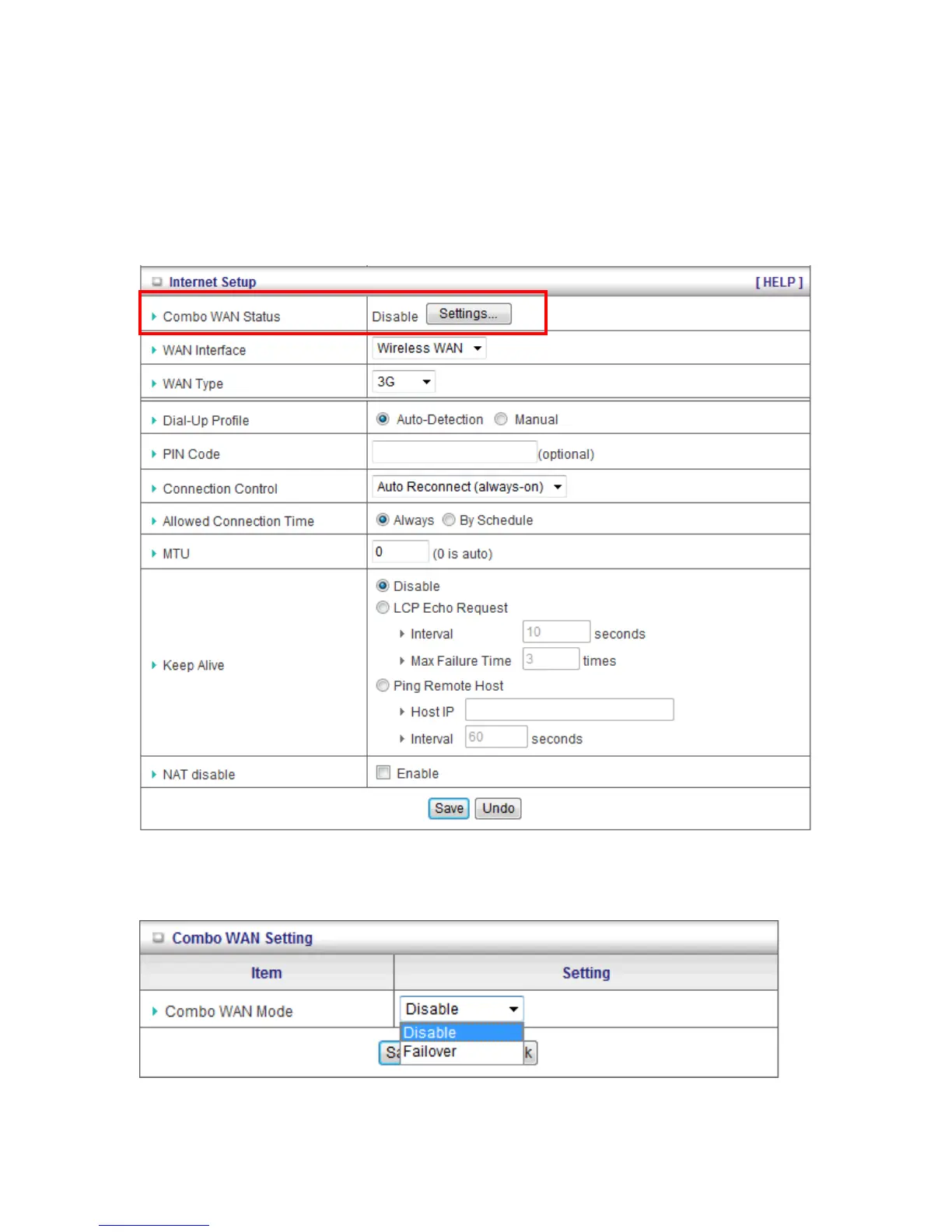
H. Combo WAN Setting
With Combo WAN feature, you can choose one primary WAN connection, and set another WAN
connection for backup. The combo WAN status will be showed at Internet Setup page. Press
“Settings” button to configure this feature.
At Combo WAN setting page, you can choose Disable, or Failover options.
This Combo WAN feature will be deactivated if you select “Disable” from the list.














 To Next Page