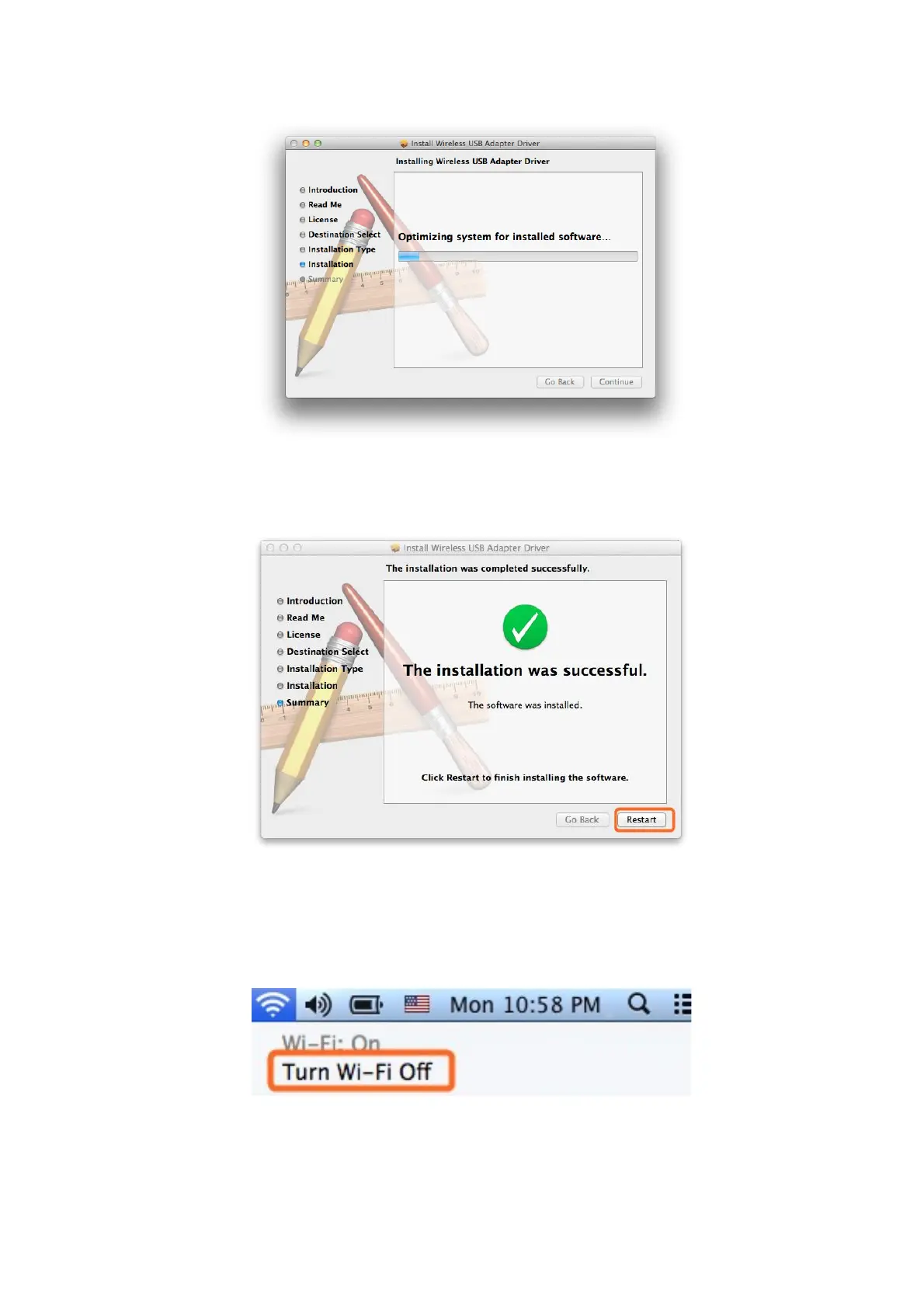
2.2.12 Congratulations! When you see the below interface, installation is
successful, please click “Restart” to restart your MAC; After you restart
your MAC, you are able to use this USB WiFi adapter.
3. Join A Wireless Network
3.1 Turn the WiFi Adapter Integrated Inside your MAC Off
3.1.1 Before using USB WiFi adapter, you can turn the WiFi adapter integrated
inside your MAC OFF by clicking the “Turn Wi-Fi Off” button in the screen
below, which is on the top right of your MAC desktop.
3.2 Join A New Wireless Network with USB WiFi Adapter
3.2.1 After you turn off the WiFi adapter integrated in your MAC, please go to
your desktop and click the icon below to start the newly installed “Wireless



 To Next Page