Part 1: Working on Windows PC
1. Hardware Installation
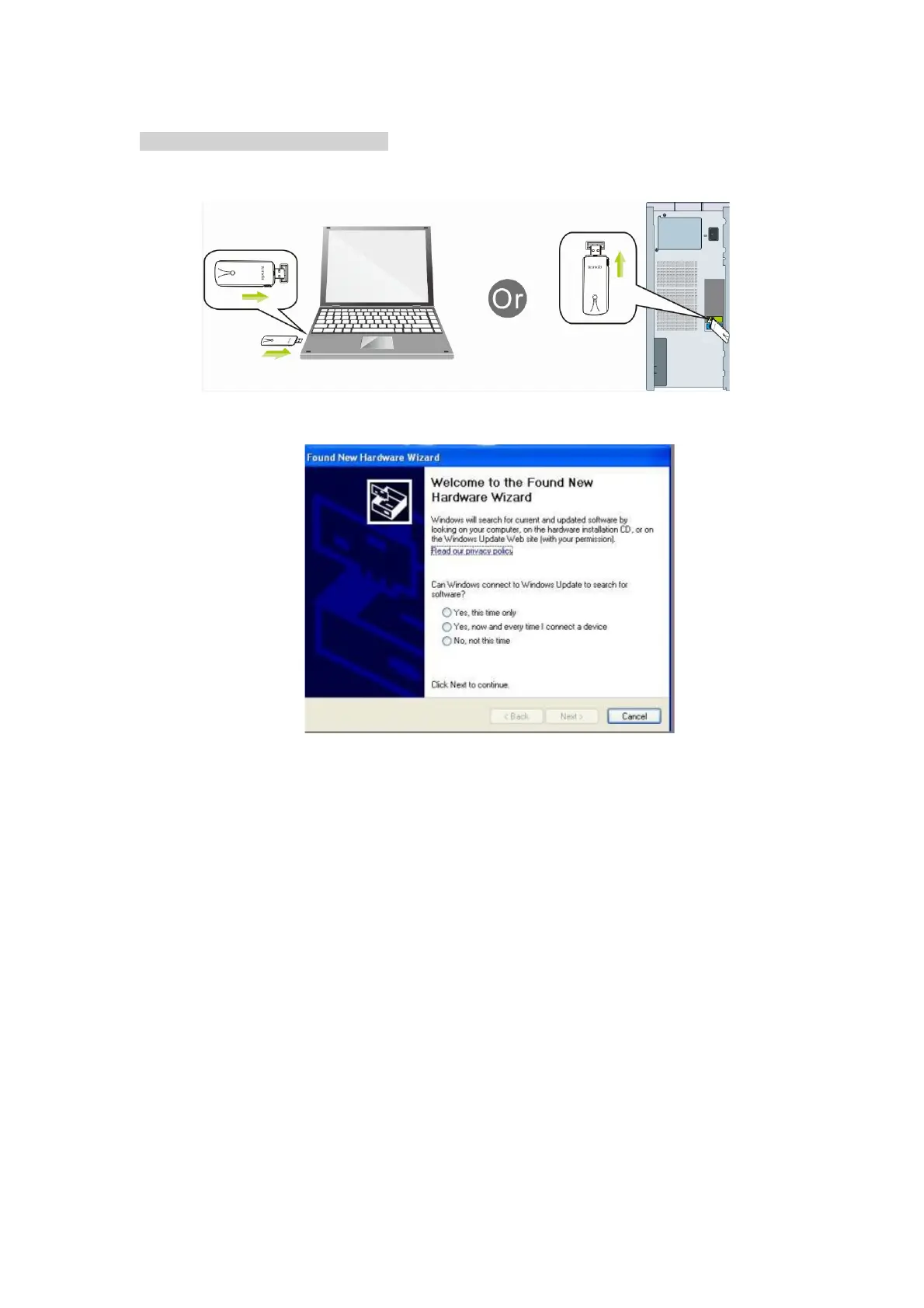
1.1 Turn on your PC, insert USB WiFi Adapter to USB port of your PC
.
Note: After you insert the USB WiFi Adapter into USB port of your PC, in case you
see the below interface, please click the Cancel button.
1.2 Insert the driver CD from the package into the CD-ROM of your PC, find the
corresponding driver for the operating system of your PC. If your PC cannot run
the CD, please visit our website http://www.level1.com to find your model number
and then download the driver of it.



 To Next Page