8
Operation
Turn on the unit by moving the Power Switch to the “On” position. When the unit is first
switched on, the C3 unit searches for a network before calls can be made.
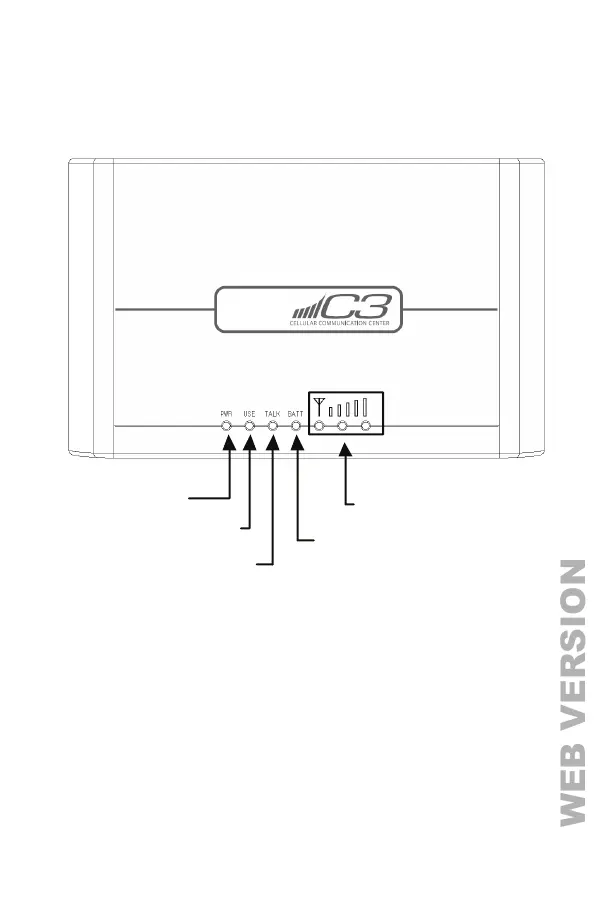
When the unit is turned on, the Power Indicator will illuminate and all other LED Indicator
will flash quickly for a few seconds. When a cellular network is found, the Signal Strength
Indicators will illuminate based on the GSM signal strength.
If the SIM card is not installed or the SIM card can’t be used, the Signal Strength Indicator in
the middle will flash once per second.
Note: If the SIM card is not installed or can’t be used, turn the Power Switch to “Off” so that the
landline can be used as normal.
Power Indicato
In Use Indicator
Battery Indicator
Signal Strength Indicators
Talk Indicato



 To Next Page