5
Installing the SIM Card
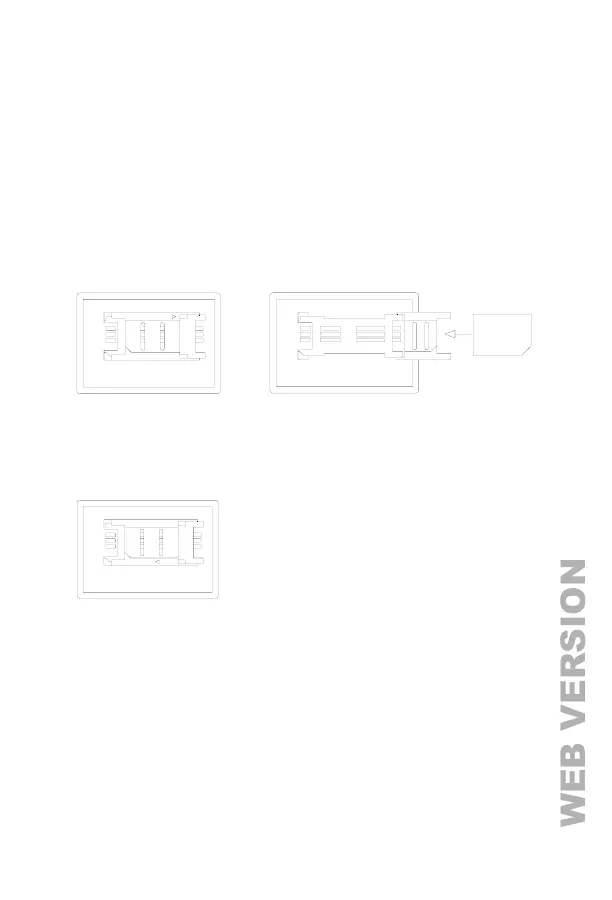
Caution: The C3 must be switched off before installing or removing the SIM card. Do
not install or remove the SIM card when the power is on; otherwise the SIM card may be
damaged. The GSM network cannot be used if the SIM card is damaged.
1) If applicable, remove the SIM card compartment door using a small blade screwdriver.
2) Open the SIM card holder by sliding the holder to the right and then lifting up the holder.
3) Slide the SIM card into the SIM card holder making sure that the notched corner of the SIM
card lines up with the notched corner on the SIM card holder.
OPEN
LOCK
4) Gently lower the SIM card holder and lock it in the closed position by sliding the holder to
the left.
5) Reinstall the SIM card compartment door.



 To Next Page