7
Add your plug-in dimmer to a hub
To control your plug-in dimmer with your phone, add it to a
compatible Zigbee hub. Use the hub's app and follow the
instructions for adding a dimmer. When you power up your plug-in
dimmer it immediately enters inclusion mode (some hubs may
use the term connect, join or pair). If the hub uses older inclusion
processes contact technical services for specific
product instructions.
Installation
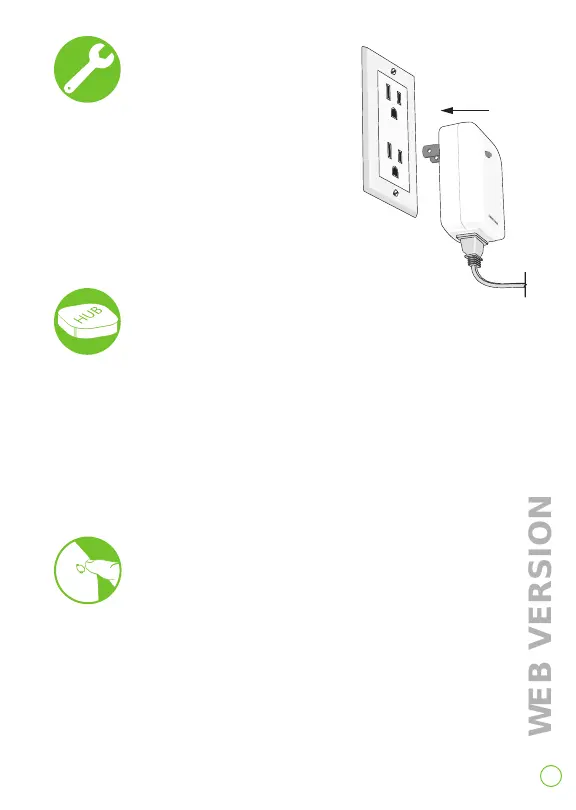
1. Plug your lamp into the
plug-in dimmer.
2. Insert plug-in dimmer into any
non-switched 120VAC receptacle.
3. Your plug-in dimmer is now ready
to join the network.
Factory default
Reset your plug-in dimmer to factory settings and place in
joining mode:
1. Hold the backlit button for a total of 14 seconds.
2. After the first 7 seconds the light turns amber. Continue to hold.
3. After a total of 14 seconds, the light will quickly flash red/amber.
4. Release the button and the plug-in dimmer will reset.



 To Next Page