8
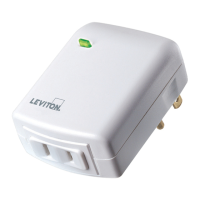
If your plug-in dimmer is not performing as expected, visit
leviton.com/decorasmart or contact technical services.
• Intermittent dimming operation:
- Confirm the load does not exceed ratings.
Quick Tips
When you first power on your plug-in
dimmer or perform a factory reset
the green status light will automatically
flash. This indicates the plug-in is in
joining mode. It will remain in this
state for 30 minutes or until the plug-in
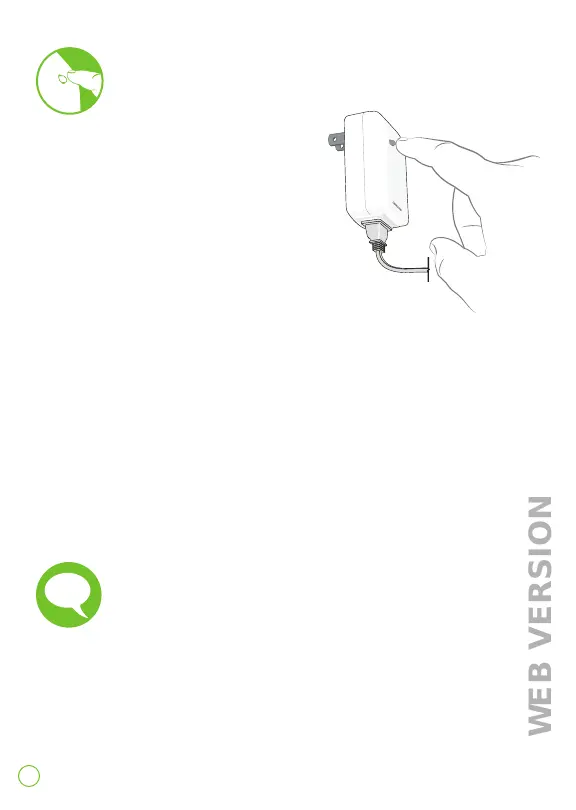
is added to a network. To manually start or
stop joining mode perform the following steps:
1. Press and hold the button for 7 seconds.
Status light will turn amber.
2a. To start joining mode press the button 1 time. The status
light will flash green rapidly to indicate it is in joining mode.
2b. To stop joining mode press the button 1 time. The plug-in
will leave joining mode. NOTE: the device can still be operated
manually even if not joined to a hub.
Manually start/stop joining



 To Next Page