Page 19 of 32
User Guide
Leviton MC 7500 Series Memory Lighting Controllers
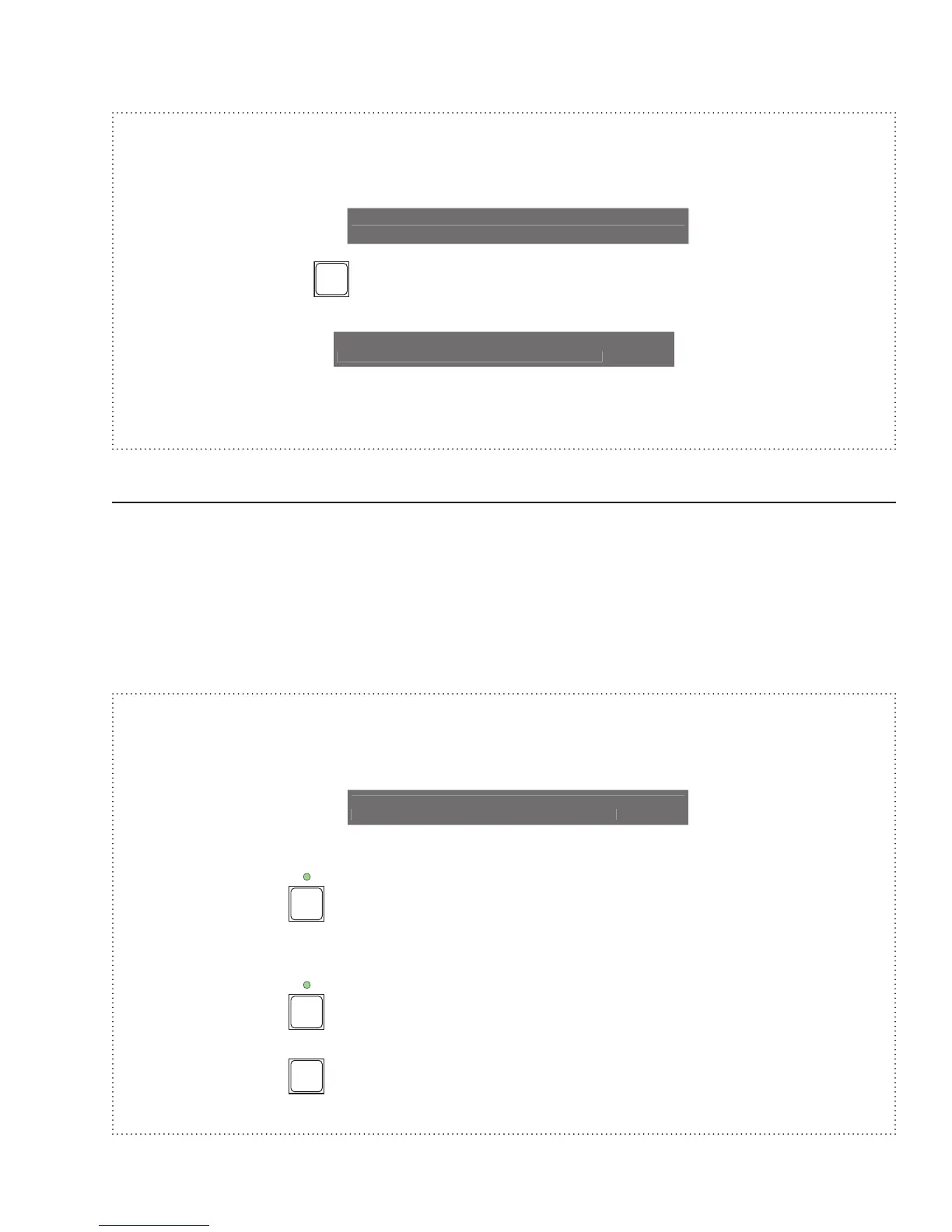
Example: Clear Stack 1 (assuming Stack 1 set as above example).
1. Press Clear Function button (next stack shows *).
Stack Step Fade Page Setup
1:2<* 0:00.0 1
2. Press STACK FADE
button (stack shows *<*).
Stack Step Fade Page Setup
*<* 0:00.0 1
Substitute moving the Stack Fade crossfader instead of pressing the Stack Fade GO button in the above
examples.
Snapshot
This feature allows a snapshot to be taken of the Scene A slide controls and sent to stage, fading at the master
fade rate.
Each press of the SNAPSHOT GO button will cause a new snapshot to fade to stage.
Pressing the SNAPSHOT CLEAR button causes the snapshot scene to fade out.
In the Wide Mode (sngl scn) Scene B slide controls will represent the additional channels and will be sent to stage
as one complete snapshot with Scene A.
Example: Take Snapshot of scene A twice, then clear it.
1. Rotate encoder until fade rate = 0:02.0 (to show fading),
Stack Step Fade Page Setup
*<* 0:02.0 1
2. Set Scene A preset sliders to various levels.
3. Tap SNAPSHOT
button and note channels fading on channel level LEDs.
4. Set Scene A preset sliders to different levels.
5. Tap SNAPSHOT
button and note channels fading on channel level LEDs.
6. Tap SNAPSHOT
button and note channels fading out.



 To Next Page