Page 23 of 32
User Guide
Leviton MC 7500 Series Memory Lighting Controllers
3. Using the Scene A slide controls, slowly move channel 1 slider from minimum to full until a match is made.
4. Then move the slider to a new level.
P: 1 1 2 3 4 5 6 7 8 Chs
S: 1 75 0 100 0 100 0 100 0 *
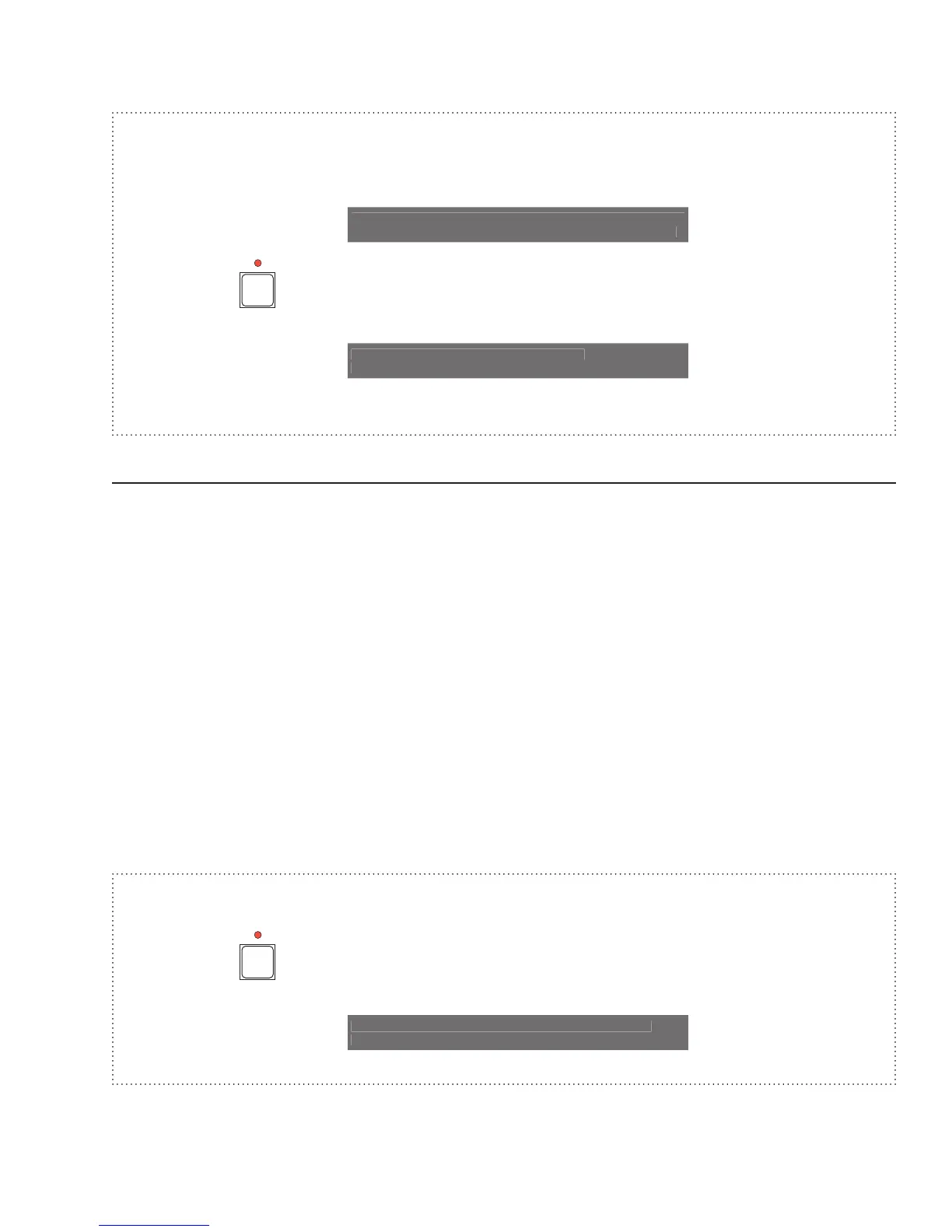
5. Press the
button and select the Mods function key on the LCD display.
Record edits from
Stage Mods
6. The change to Submaster 1 is now recorded.
Recording Chases
Chases may be recorded in memory as a sequence of steps of different channel levels. When a chase is played
back, the channel levels of each step will appear on stage sequentially with the rate of step change set by the Chase
Rate control or the TAP SYNC button. At the end of the recorded sequence, the sequence repeats.
To record a chase, press the RECORD button followed by the CHASE SELECT button. The LCD will prompt for
the chase number to record. Use the Submaster Bump buttons, or the encoder wheel, to select the desired chase
number. Chase numbers available are from
1 to the maximum chases for the particular model (equal to the number
of submasters). Press the Do Rec function button to start the chase recording procedure.
If the chase memory is not empty, then a warning message will appear on the display. Select Yes to erase the
selected chase memory and start recording.
Set the lighting levels for the first step with the Scene A slide controls, then press the Rec Step function button to
record the first step. The LCD will show the next step in sequence.
The attack for the entire chase may be recorded by selecting the
Attk function key or the ATTACK button prior to
recording any step. The default direction for the entire chase may be recorded by selecting the
Dir function key or
the DIRECTION button prior to recording any step.
The number of steps that may be recorded depends on the memory configuration. To end the recording process, press
the
MAIN MENU button.
Example: Program a 4-step chase consisting of channels 1 - 4 into chase 2.
1. Press the
button. The RECORD LED should now be lit.
Tap a Memory button, Chase Select
or Stack Go to Record



 To Next Page