7
USING YOUR
AIR PURIFIER
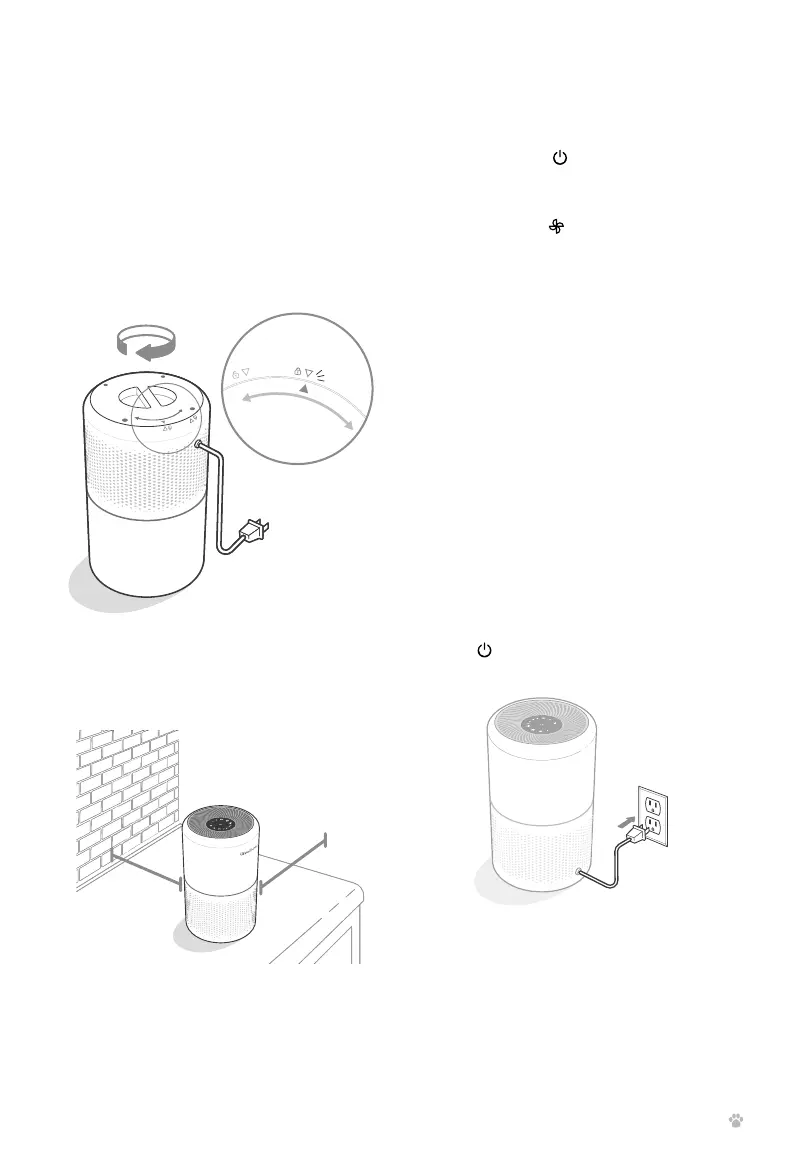
1. Plug in and tap to turn on the air
purifier. The fan will start on level I.
[Figure 2.1]
2. Optionally, tap to change fan speed
between I, II, and III.
GETTING STARTED (CONT.)
3. Replace the filter cover and twist
clockwise to lock. [Figure 1.3]
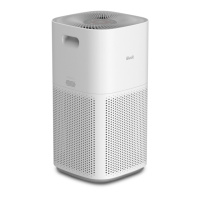
4. Place the air purifier on a flat, stable
surface with the display facing up. Allow
at least 15 inches / 38 cm of clearance
on all sides of the air purifier. Keep away
from anything that would block air flow,
such as curtains. [Figure 1.4]
Note:
• The indicators are not buttons and
cannot be used to change the fan
speed.
• The fan speed indicators will light up
when active.
• Fan speed III is the loudest, but cleans
air the quickest.
• For best results, or to address a specific
air quality issue such as smoke, run the
air purifier at maximum speed (level III)
for 15–20 minutes before using a lower
speed.
• To eectively clean air, keep windows
and doors closed while the air purifier
is on.
3. Tap to turn o the air purifier.
Figure 2.1
Figure 1.3
Figure 1.4
15 in /
38 cm
cover should
snap shut
15 in /
38 cm
Memory Function
When the air purifier is plugged in, it will
remember its previous fan speed setting.
Note: The air purifier will not remember timers or
Sleep Mode.



 To Next Page