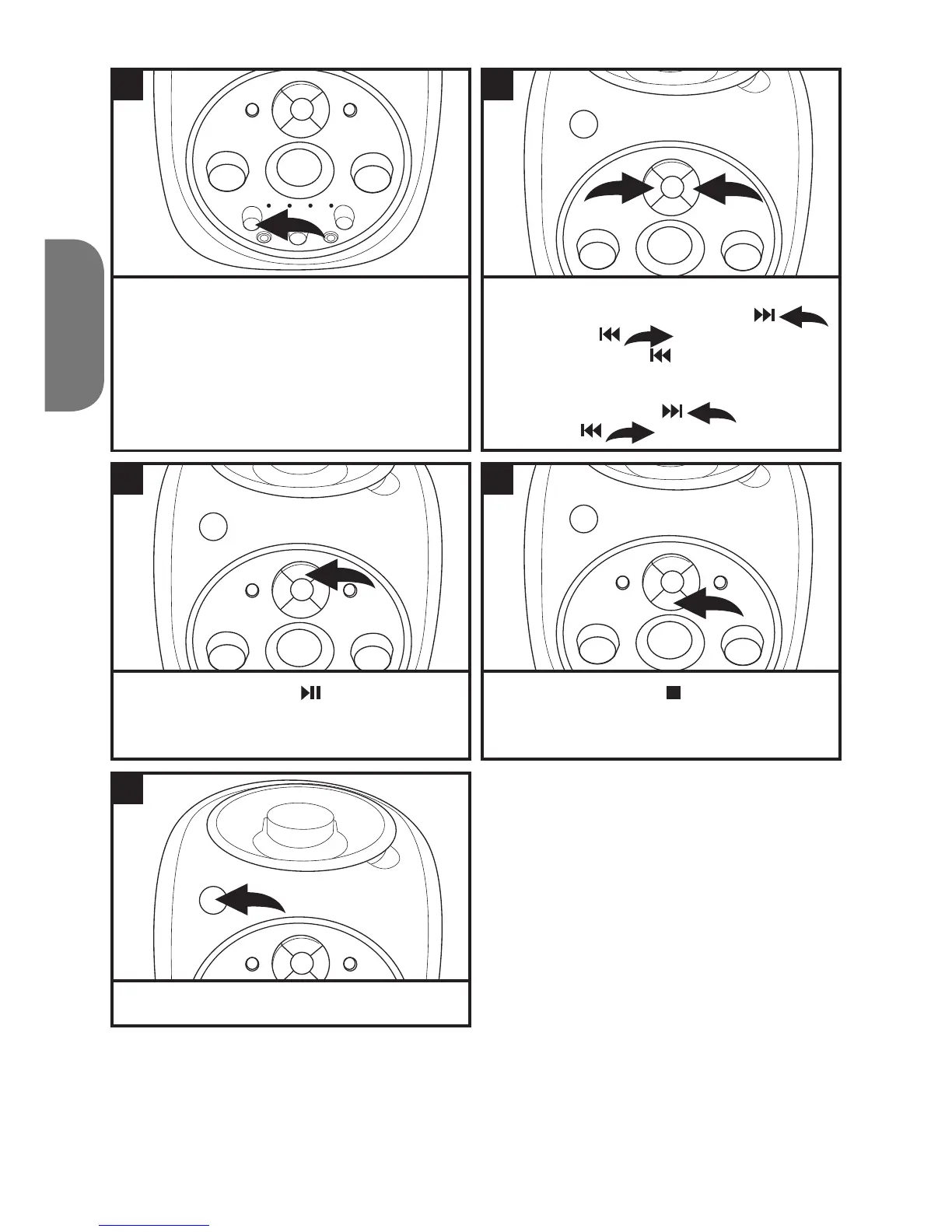
Adjust the BALANCE control as desired.
Turn to the left to decrease the left speaker’s
volume and right to decrease the right
speaker.
Press the PLAY/PAUSE
button to pause
play at any time. Press it again to continue
playing.
To turn the unit off, press the POWER button.
To skip forward or backward through the tracks,
press and release the F. FWD/SKIP
or REW/SKIP
button. To select the
previous track, press twice.
CD only
To fast forward or rewind through a track, press
and hold F. FWD/SKIP
or
REW/SKIP
button.
Press the STOP button
to stop the disc at
any time.
7
9
11
8
10
2 1
2
2
1
1



 To Next Page