EasyManua.ls Logo

LEXIBOOK K5000BB - User Manual

LEXIBOOK K5000BB
126 pages
Go to English
Print Icon
To Next Page IconTo Next Page
Loading...
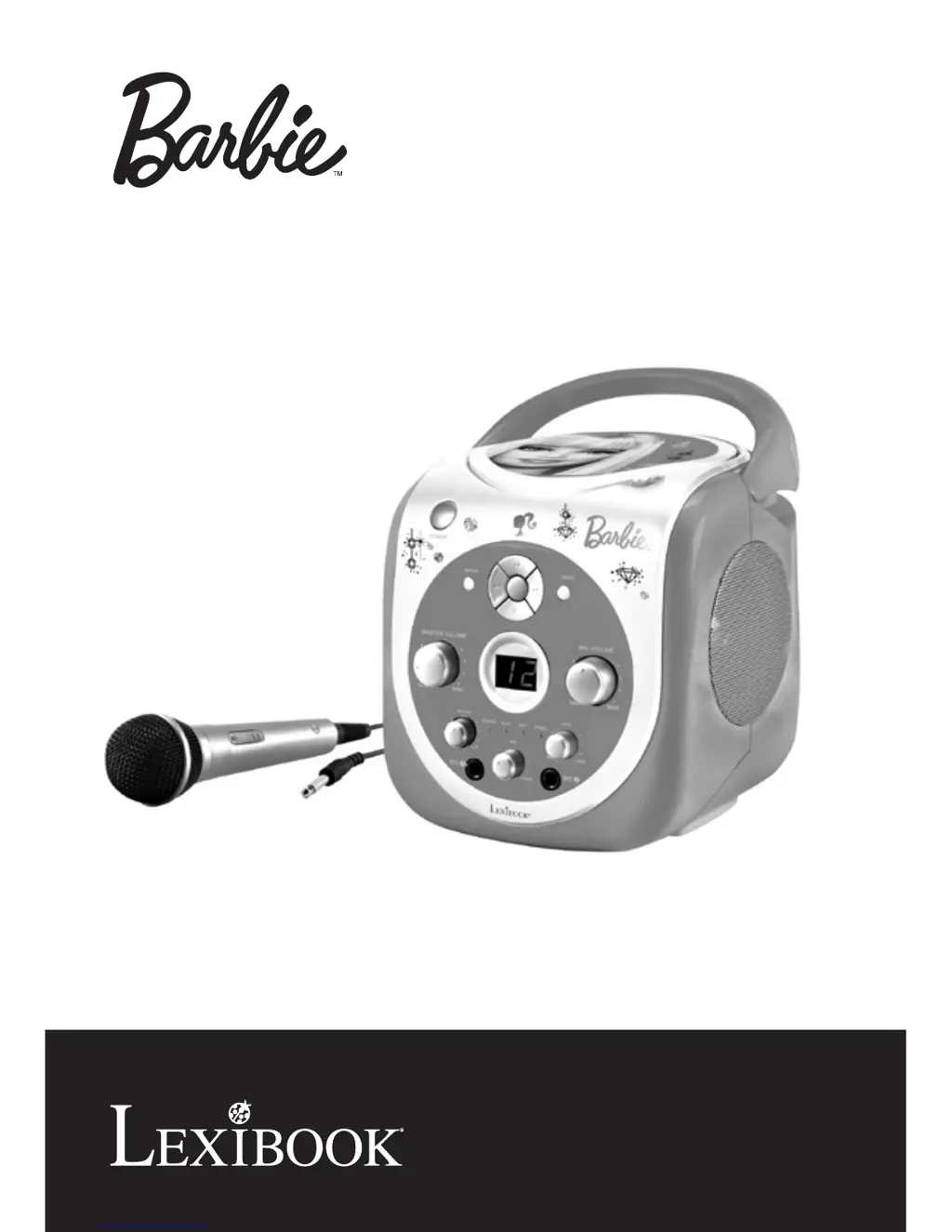
LECTEUR CD KARAOKE PORTABLE
PORTABLE KARAOKE CD PLAYER
MODE D’EMPLOI
OWNER’S MANUAL
K5000BB

Questions and Answers

  • H
    helenwilliamsJul 26, 2025
    What to do if there is no sound from my LEXIBOOK K5000BB Karaoke System?
    • K
      Kristen Cline DDSJul 26, 2025
      If you're not getting any sound from your LEXIBOOK Karaoke System, first ensure the AC power cable is securely connected or that the batteries aren't low; replace them if needed. Also, check the volume level and increase it if it's too low.
  • C
    Catherine HooperJul 30, 2025
    Why won't my CD play on my LEXIBOOK Karaoke System?
    • D
      Denise ThompsonJul 30, 2025
      If your CD won't play on the LEXIBOOK Karaoke System, make sure the disc is inserted correctly with the label side facing up. Check the AC power cable connection or insert new batteries. Also, the disc might be dirty, scratched, or have moisture on it; if so, gently wipe it with a soft, clean cloth.
  • J
    Jeffrey WuAug 3, 2025
    What to do if my LEXIBOOK K5000BB Karaoke System CD skips while playing?
    • S
      smithantonioAug 3, 2025
      If the CD skips while playing on your LEXIBOOK Karaoke System, ensure that the CD compartment is fully closed. Also, make sure the disc is inserted correctly with the label side up. The disc might be dirty, scratched, or have moisture on it; if so, gently wipe it with a soft, clean cloth.
  • L
    Levi JohnsonAug 8, 2025
    How to fix feedback when singing on LEXIBOOK Karaoke System?
    • R
      Robert ChavezAug 8, 2025
      If you're experiencing feedback while singing with the LEXIBOOK Karaoke System, the microphones might be too close to the unit or the microphone volume might be too high. Try moving the microphones away from the unit or decreasing the microphone volume.
  • J
    Jeffery LongAug 11, 2025
    What to do if I can't hear myself on the microphone with my LEXIBOOK K5000BB Karaoke System?
    • J
      Julie KelleyAug 12, 2025
      If you cannot hear yourself on the microphone using the LEXIBOOK Karaoke System, first check that the microphone cable is securely plugged in and that the switch on the microphone is turned to the ON position. Also, ensure that the MICROPHONE VOLUME control is turned up.
  • D
    Douglas BarnesAug 16, 2025
    Why don't the words appear on the TV screen when using my LEXIBOOK Karaoke System?
    • A
      Alexandria KennedyAug 16, 2025
      If the words are not appearing on the TV screen when using your LEXIBOOK Karaoke System, first verify that you are using a CD+G disc by checking if the logo matches the one displayed in this manual. If it doesn’t have the logo, change to a CD that has the CD+G logo. Also, check the video cable connection to the TV. Finally, ensure that the correct source is selected on your TV to match the karaoke connection (i.e. VIDEO 1).
  • T
    Tony WilliamsAug 21, 2025
    Why can I still hear some vocals when Auto Voice Control is muted on my LEXIBOOK K5000BB Karaoke System?
    • J
      Jennifer PerkinsAug 21, 2025
      If you can still hear some vocals when the Auto Voice Control is muted on your LEXIBOOK Karaoke System, this is normal. Only the main vocals are intended to be reduced; you may still hear the backup vocals.

Summary

Safety Precautions

Electrical Shock Risk

Warning about electric shock and not opening the unit.

Hazard Symbols Explanation

Explains symbols for dangerous voltage, attention, and laser radiation.

General Environmental Warnings

Avoid rain, moisture, liquids, and ensure plug operability.

Specific Safety Guidelines

Surge Protector Recommendation

Advises using surge protectors for AC connection.

Laser Safety Information

Class 1 laser product warning and exposure avoidance.

General Operating Instructions

Safety Instruction Checklist

A list of 19 safety instructions for operation and maintenance.

Unpacking the Device

AC Power Operation

Battery Installation Guide

Care and Maintenance

Disc Handling and Cleaning

Guidelines for handling, cleaning, and storing CDs.

Unit Cleaning Instructions

Instructions on how to clean the karaoke player's exterior.

Location of Controls

Front Panel Overview

Identifies and describes controls on the front of the unit.

Back Panel Connections

Identifies and describes connections on the back of the unit.

CD Operation: Inserting and Playing

CD Operation: Navigation and Control

CD Operation: Playback Notes and Repeat

CD Programmed Play

Programming and Playing Tracks

Steps to program, play, and control programmed tracks.

Karaoke Function Setup

Microphone Setup and Control

Connecting, turning on, and controlling microphone volume and echo.

Multiplex CD Features

Adjusting AVC for multiplex CDs to control vocal levels.

Connecting to Television

CD+G Lyrics Display

Checking for CD+G logo for lyrics display on TV.

Connecting to External Speakers

Using TV Speakers

Connecting audio jacks to use TV speakers.

Using Home Stereo System

Connecting to a receiver or home stereo for audio output.

Troubleshooting Guide

CD Player Problems

Solutions for CD playback issues like no sound or skipping.

Karaoke Problems

Solutions for microphone feedback, no sound, or lyrics not appearing.

Specifications

Maintenance Guide

Warranty Information

Environmental Protection

Guidelines for recycling and properly disposing of the appliance.

LEXIBOOK K5000BB Specifications

General IconGeneral
BrandLEXIBOOK
ModelK5000BB
CategoryKaraoke System
LanguageEnglish