USINg ThE lExICON
®
AlPhA STUdIO
TM
section i – recording audio with the alpha studio™
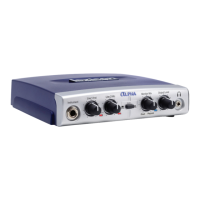
The diagram below shows how the Alpha Studio™ is connected for this particular
setup.
a. recording using the Microphone/line input
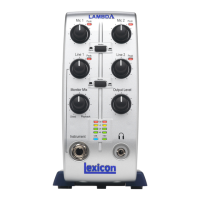
Mic Input
Line In 1
Chan 2/MicChan 1/Inst
Monitor Mix Output Level
Instrument
Monitor
Stereo Mono
Peak Peak USB
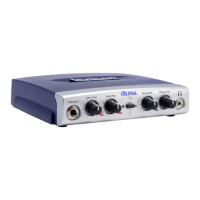
Plug your microphone cable into the Mic Input XLR jack or line level audio source to
the Line 1 ¼" jack on the back of the Alpha Studio.
To set up the software to record:
1. Open Cubase
®
LE 4.
2. Click File and select New Project.
Using the Lexicon
®
Alpha Studio™
18





 To Next Page