section ii - using soFtware input Monitoring
The previous examples have turned off Cubase
®
LE 4’s Input Monitoring software
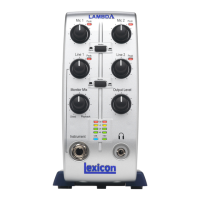
switches while recording tracks, and used the Monitor Mix knob on the front of the
Alpha Studio™ hardware to directly monitor an input without latency. Software moni-
toring lets you listen to software-based effects in real time and adjust the monitor mix
independently of the recording levels, but also introduces some latency (delay) into the
input signal. The amount of latency depends on the amount of buffers assigned in the
ASIO control panel. See page 30 for more information about adjusting buffer settings.
1. When using Cubase LE 4’s input software monitoring with the Alpha Studio, you
will want to set the Monitor Mix knob all the way to the Playback side.
2. Click the Input Monitoring
button on the track you are recording to. You
will now be able to hear your input. Now you can try assigning an effect on the
input. This example assigns a Pantheon™ reverb.
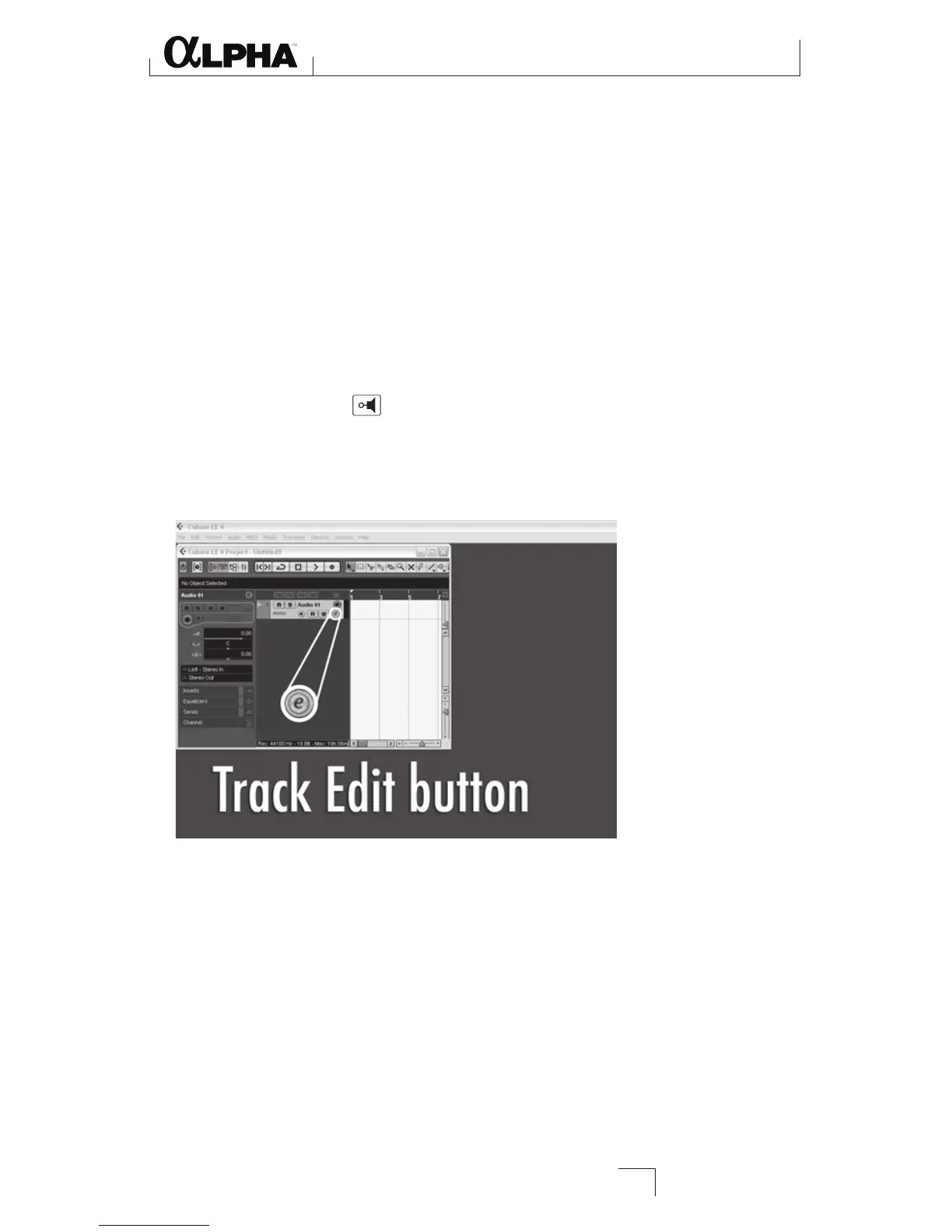
3. Click the Track Edit button.
Using Software Input Monitoring
27





 To Next Page