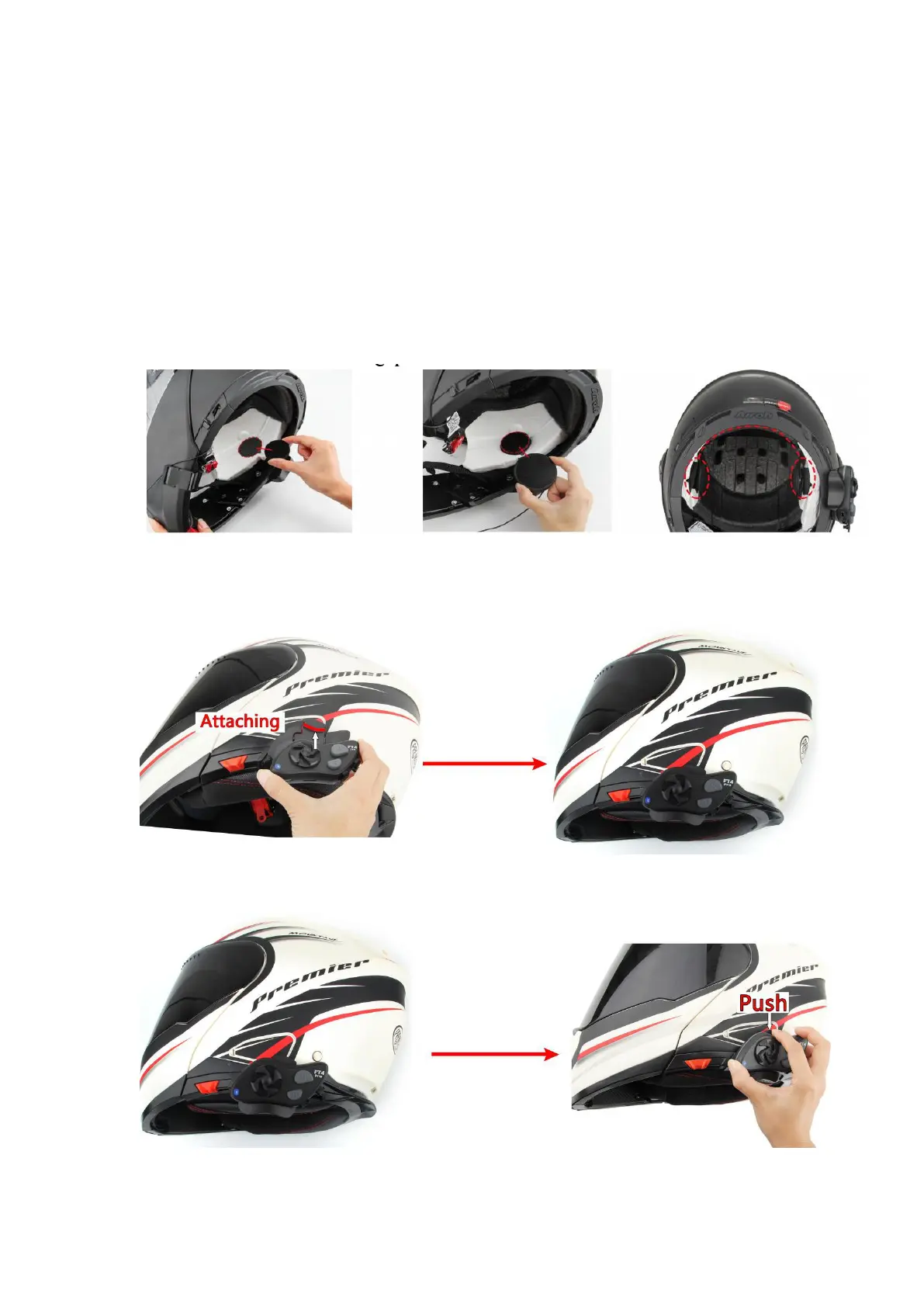
Installing Speakers:
Note: The speaker with the shorter wire is for the left ear and the speaker with the
longer wire is for the right ear.
Step 1: Place the speakers into the helmet’s inner padding.
Step 2: Push the speakers and microphones firmly against the Velcro pads. If the
helmet has deep ear pockets, you can use the provided spacers to place the speakers
closer.
Step 3: Press the wires between the helmet liner and shell.
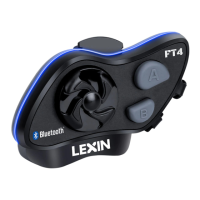
Mounting the Lexin FT4 Pro Unit to Bracket:
Mount the Lexin FT4 Pro main unit on the bracket. Insert the device into the top clip,
then press in the bottom until it clicks into place.
To remove the main unit from the bracket, press the top part of the
bracket and take it out.



 To Next Page