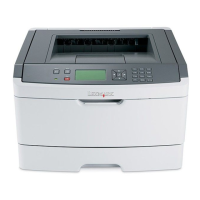
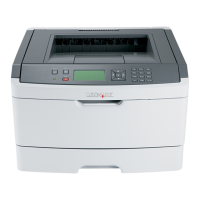
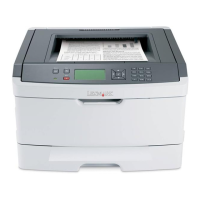
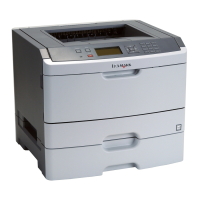
Jam number To access the jam
234 Try one or more of the following:
• Open the front door, and then open the rear door.
• Remove Tray 1, and then depress the lever.
235 Remove the jam from the standard exit bin.
242 Remove Tray 2.
251 Try one or more of the following:
• If the sheet is visible in the multipurpose feeder, gently pull it from the front of the
multipurpose feeder.
• If it is not visible, open the front door, and then remove the unit. Lift the flap at the front of
the printer, and then remove any jammed sheets.
0++'B$B!%'K$#
1 Remove the tray from the printer.
2 Remove the jam if you see it here.
6$(,+"/&9(-%
*H



 To Next Page