Using MS610de
Learning about the printer
Printer
configurations
CAUTION—POTENTIAL INJURY: To reduce the risk of equipment instability, load each tray separately.
Keep all other trays closed until needed.
Basic and
configured
models
1
2
3
5
6
7
8
4
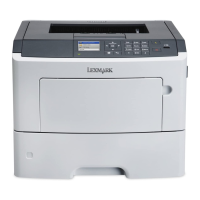
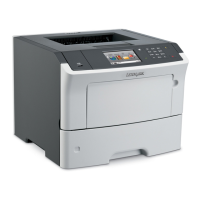
1 Printer control panel
2 Paper stop
3 Standard bin
4 Front door release button
5 Controller board access door
6 100‑sheet multipurpose feeder
7 Standard 550‑sheet tray
8 Optional 250‑ or 550‑sheet tray
Using MS610de 65


 To Next Page