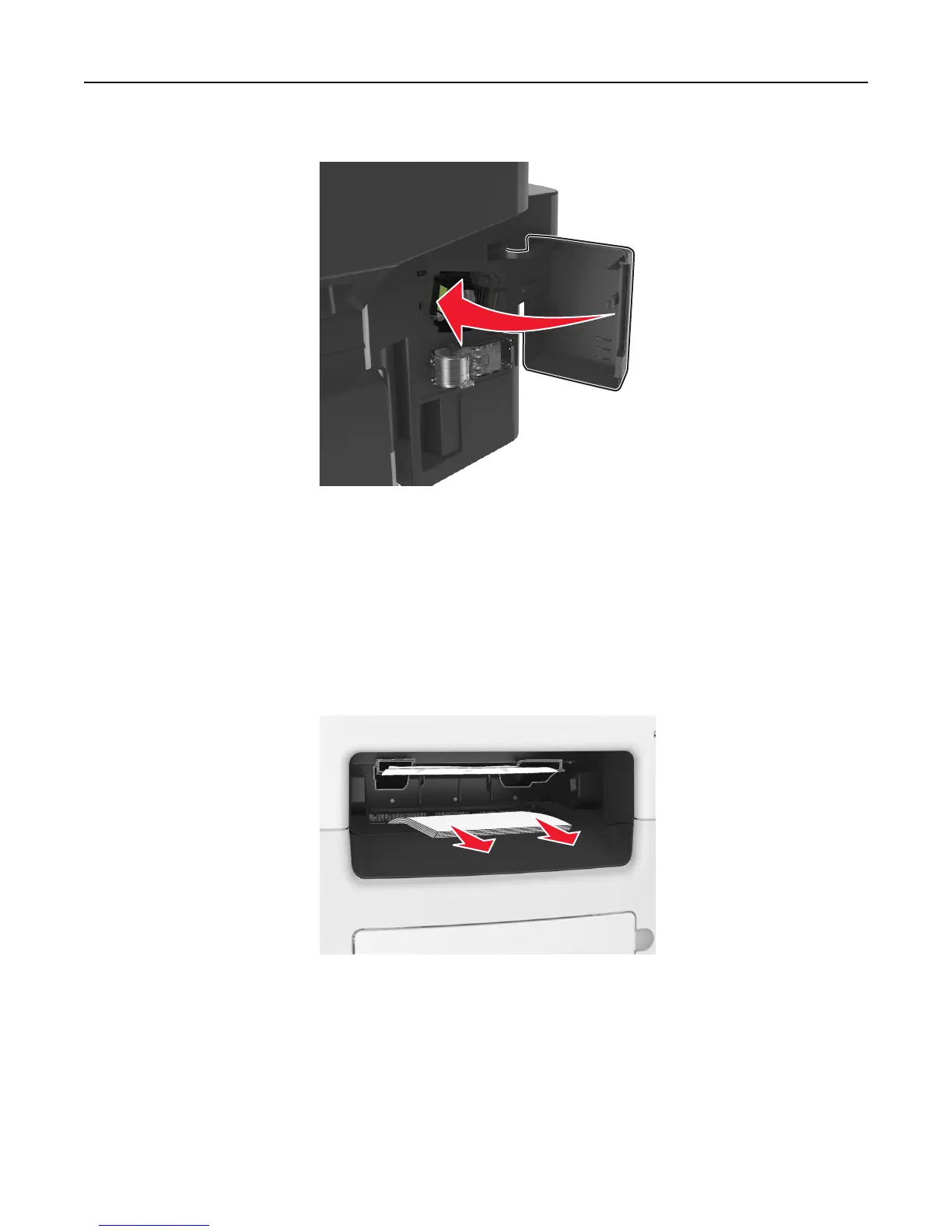
6 Close the staple access door.
7 If necessary, touch Done from the printer control panel to clear the message and continue printing.
[x]-page jam, remove all pages from the finisher’s accumulator.
Leave paper in bin. [45y.xx]
Paper jam in the finisher bin
1 Empty the standard bin.
Clearing jams 255



 To Next Page