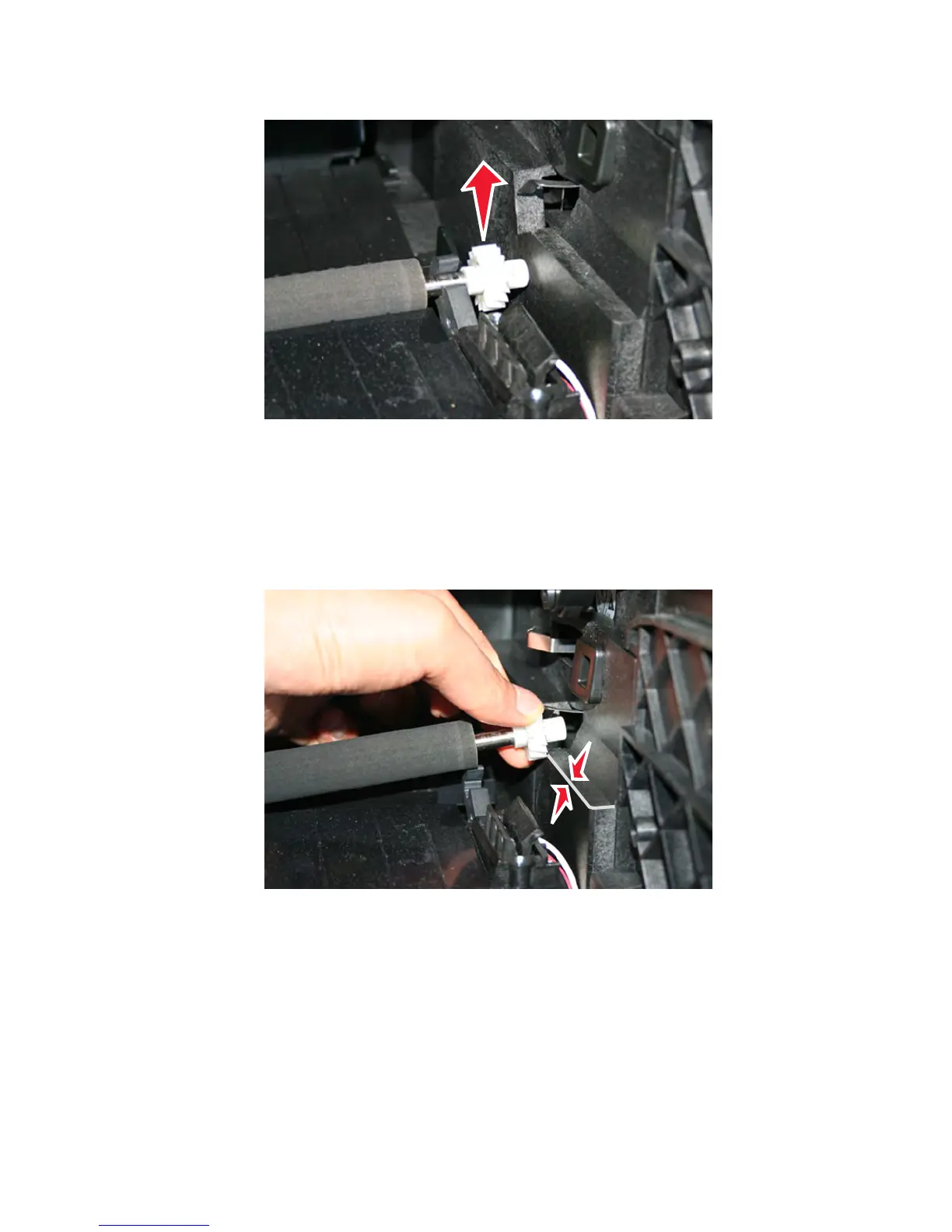
5 Release the transfer roller from the transfer roller right arm.
6 Slowly raise the transfer roller until the smooth part of the gear clears the printer edge. Move the transfer roller to
the right to disengage it from the transfer roller left arm.
Warning—Potential Damage: Do not raise the right side of the transfer roller too far up. This can break the
transfer roller left arm.
Warning—Potential Damage: Do not touch the foam surface when removing or reinstalling the transfer roller.
Print quality issues can occur.
7463
Repair information
482



 To Next Page