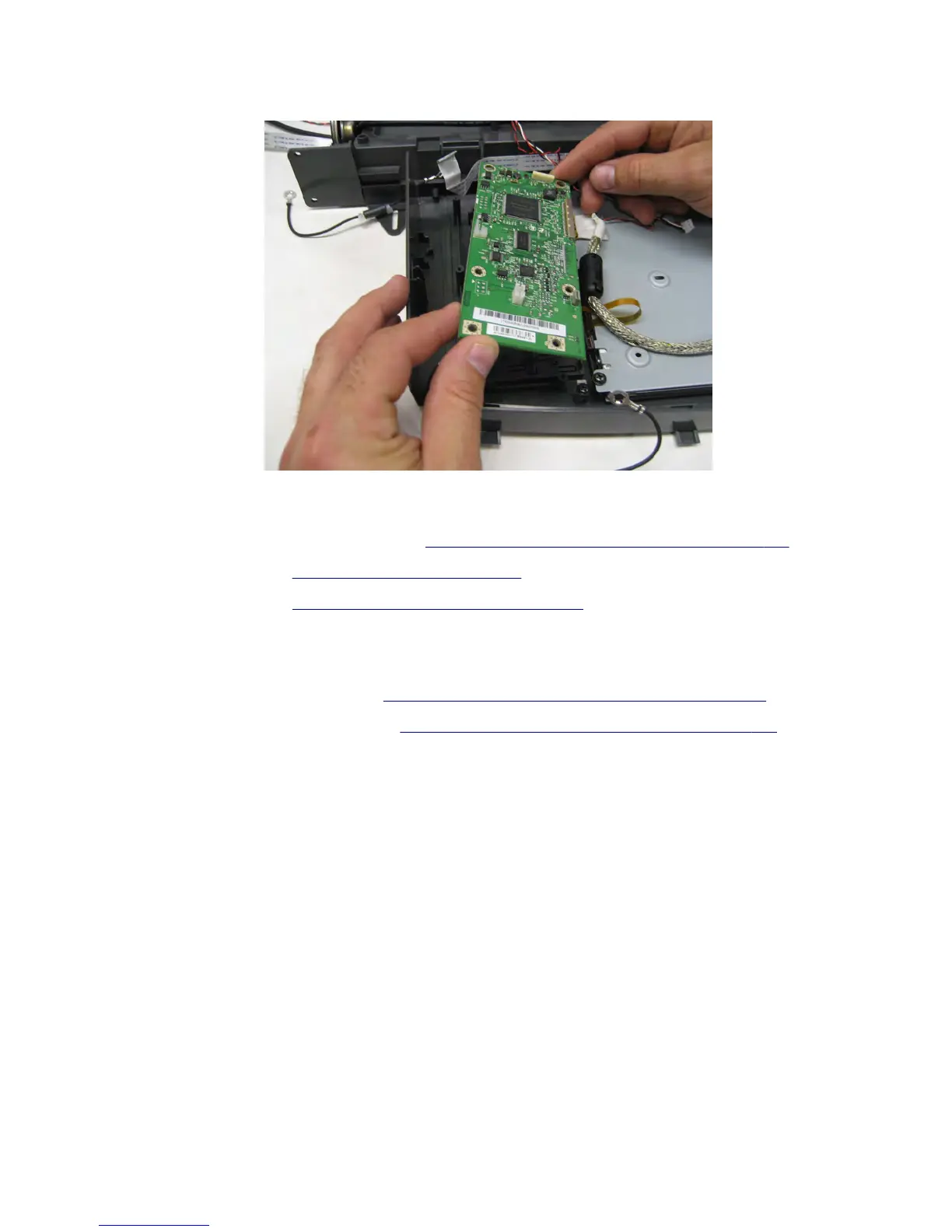
16 Remove the control panel board.
10‑inch display (MX81x) removal
1 Remove the controller board access cover. See “Controller board access cover removal” on page 423.
2 Remove the rear door. See “Rear door removal” on page 549.
3 Remove the left cover. See “Left cover removal (MX81x)” on page 418.
4 Open the front door.
5 Open the cartridge door.
6 Remove the column left front cover. See “Column left front cover removal (MX81x)” on page 414.
7 Remove the flatbed scanner left cover. See “Flatbed scanner left cover removal topic” on page 633.
7463
Repair information
506


 To Next Page
 Loading...






