Control panel latch removal
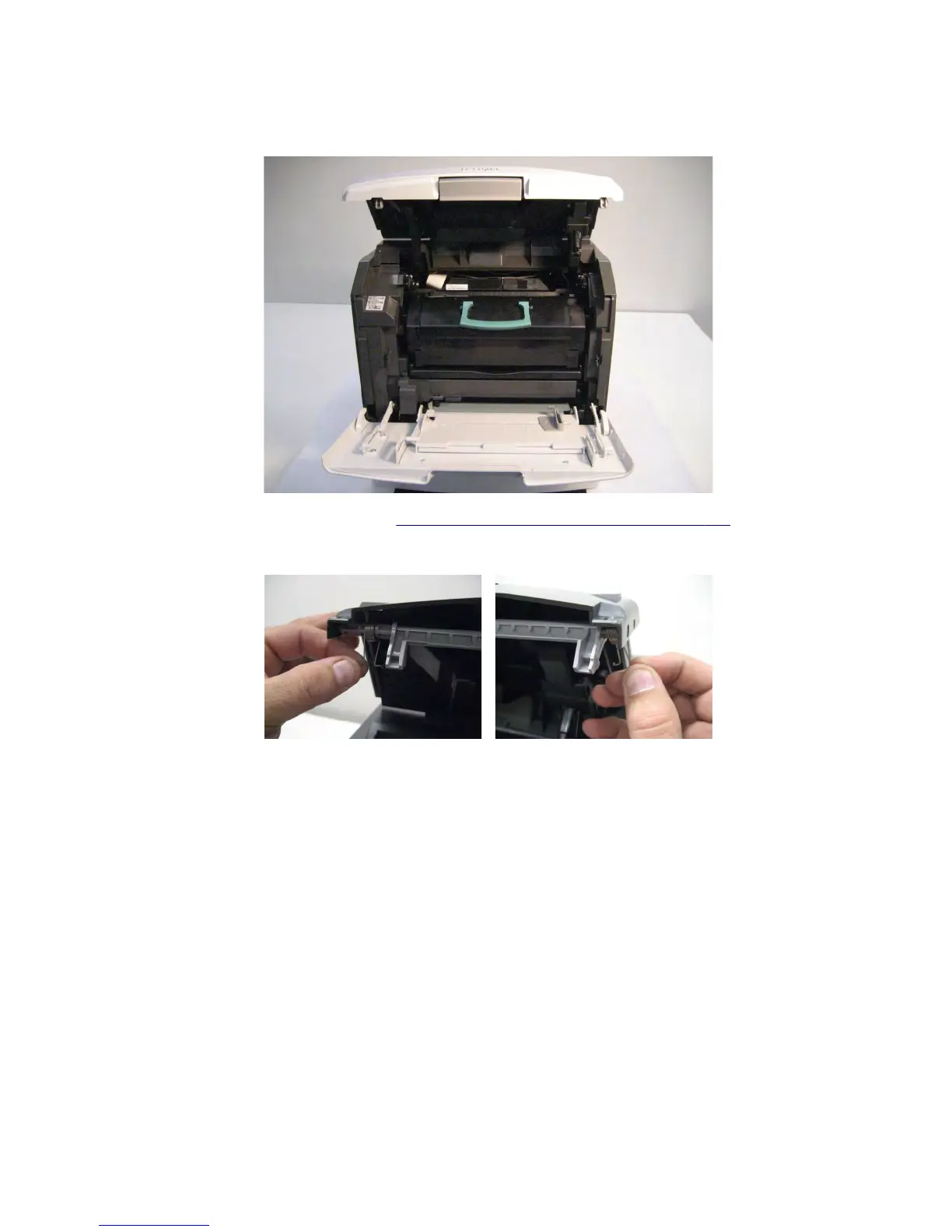
1 Raise the control panel to its uppermost position.
2 Remove the control panel front cover. See “Control panel front cover removal” on page 510.
3 Release the two springs from the control panel frame.
4 Carefully flex the corner of the control panel frame as shown in the following image.
Note: Force is needed to properly remove the part.
7463
Repair information
512


 To Next Page
 Loading...






