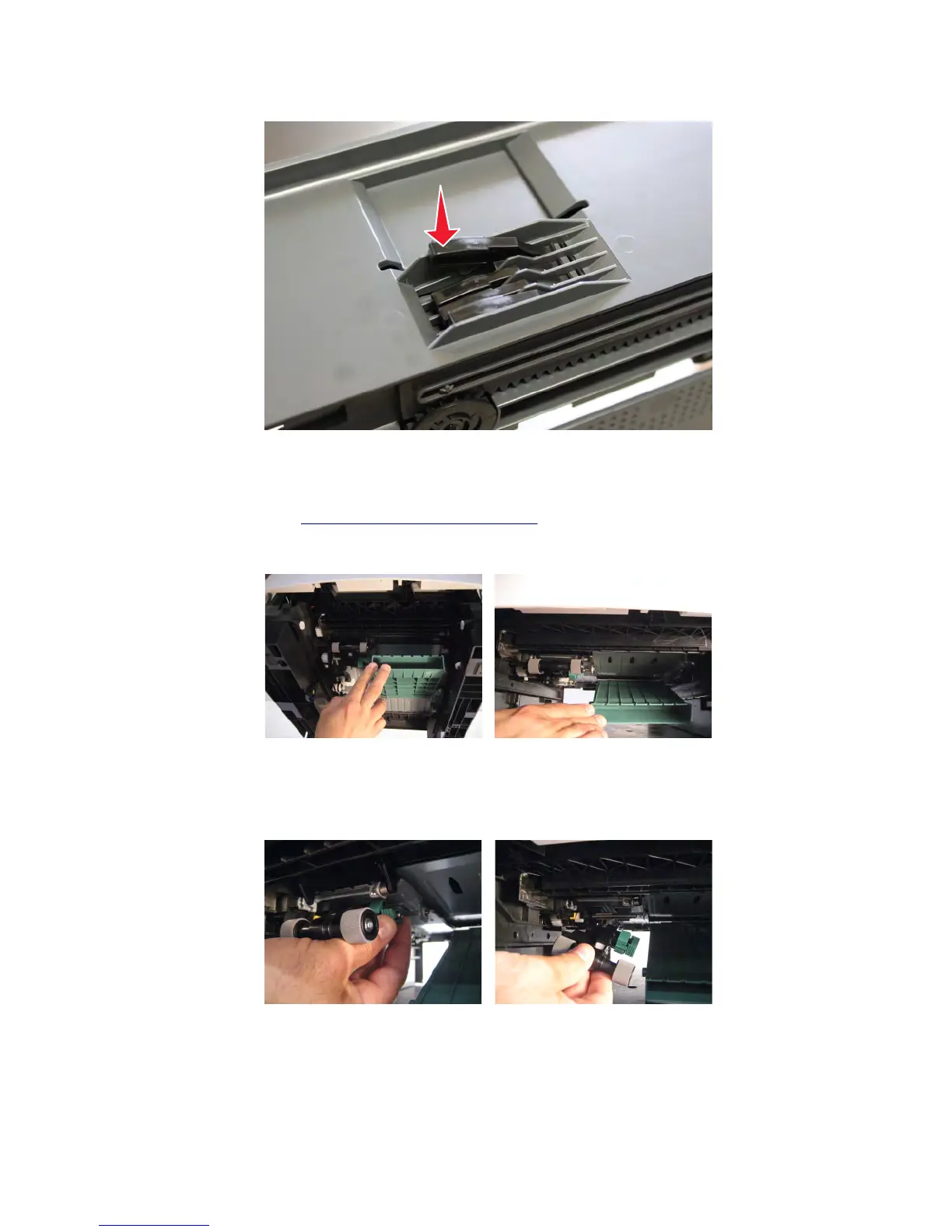
b Swing the actuator, and then press the free end to lock it in place.
Pick roller assembly removal
1 Remove the media tray. See “Media tray removal” on page 538.
2 Lower the front duplex flap to gain access to the pick roller assembly.
Note: When removing the pick roller assembly, avoid all contact with the roller surfaces, or paper jams might
occur.
3 Squeeze both sides of the pick roller latch, and move the pick roller assembly to the right to remove it.
Note: When replacing the pick rollers, do not touch the roller surfaces, or paper jams might occur.
7463
Repair information
541



 To Next Page