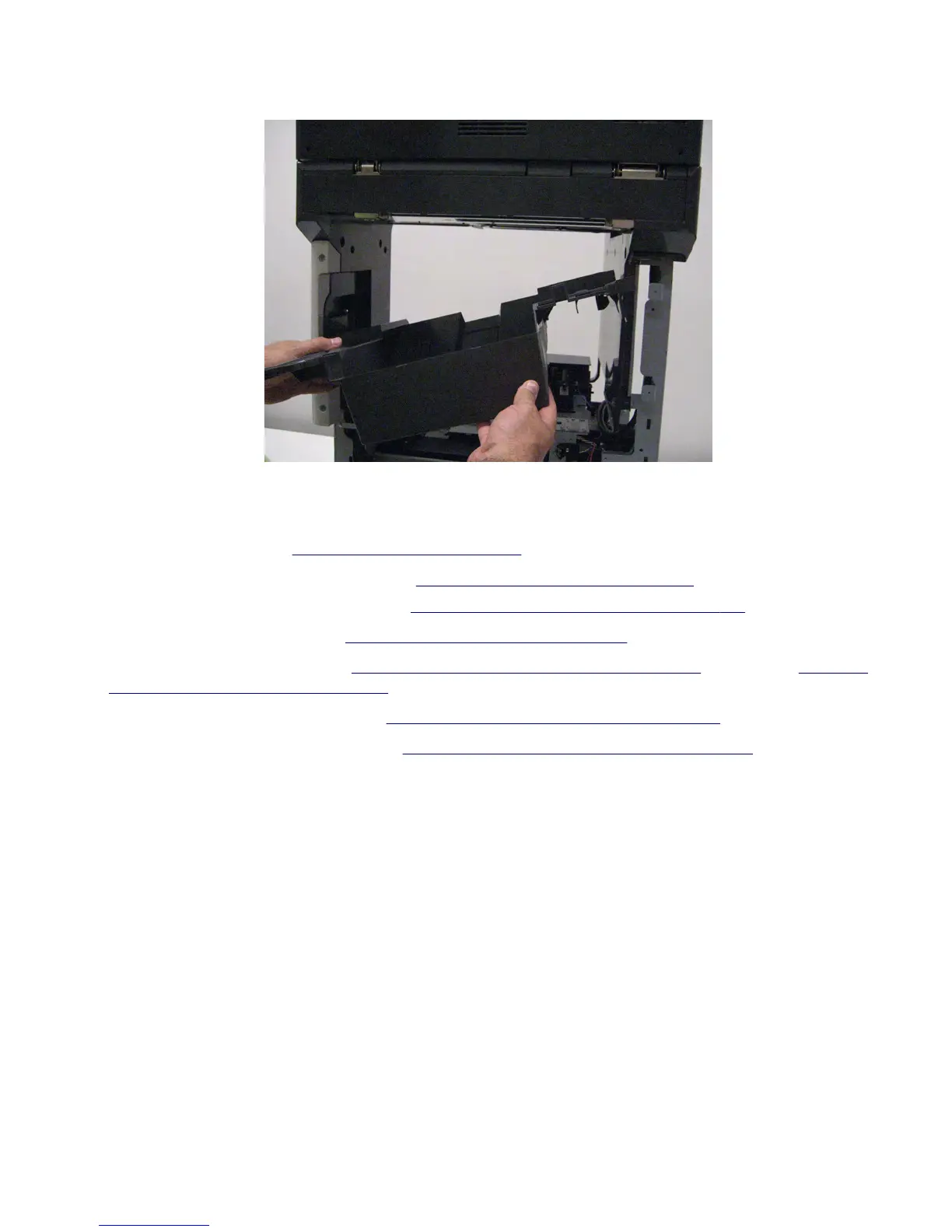
10 Remove the standard bin cover.
Upper redrive motor removal
1 Remove the rear door. See “Rear door removal” on page 549.
2 For MX71x, remove the rear lower cover. See “Rear lower cover removal” on page 551.
For MX81x, remove the rear lower door. See
“Rear lower door removal (MX81x)” on page 552.
3 Remove the fuser access door. See “Fuser access door removal” on page 557.
4 Remove the standard bin cover. See “Standard bin cover removal (MX71x)” on page 565 for MX71x, or “Standard
bin cover removal (MX81x)” on page 567 for MX81x.
5 Remove the standard bin full sensor. See “Sensor (standard bin full) removal” on page 564.
6 Remove the rear door interlock sensor. See “Sensor (rear door interlock) removal” on page 560.
7463
Repair information
569



 To Next Page