Installation note: When installing this part, check the firmware version installed in the printer. If the version
installed is P132 and E215 or higher, then no further action is needed. If the version installed is lower than P132 and
E215, then update the firmware to the latest version to maintain proper printer operation.
ADF door removal
1 Remove the ADF front cover.
2 Remove the ADF rear cover.
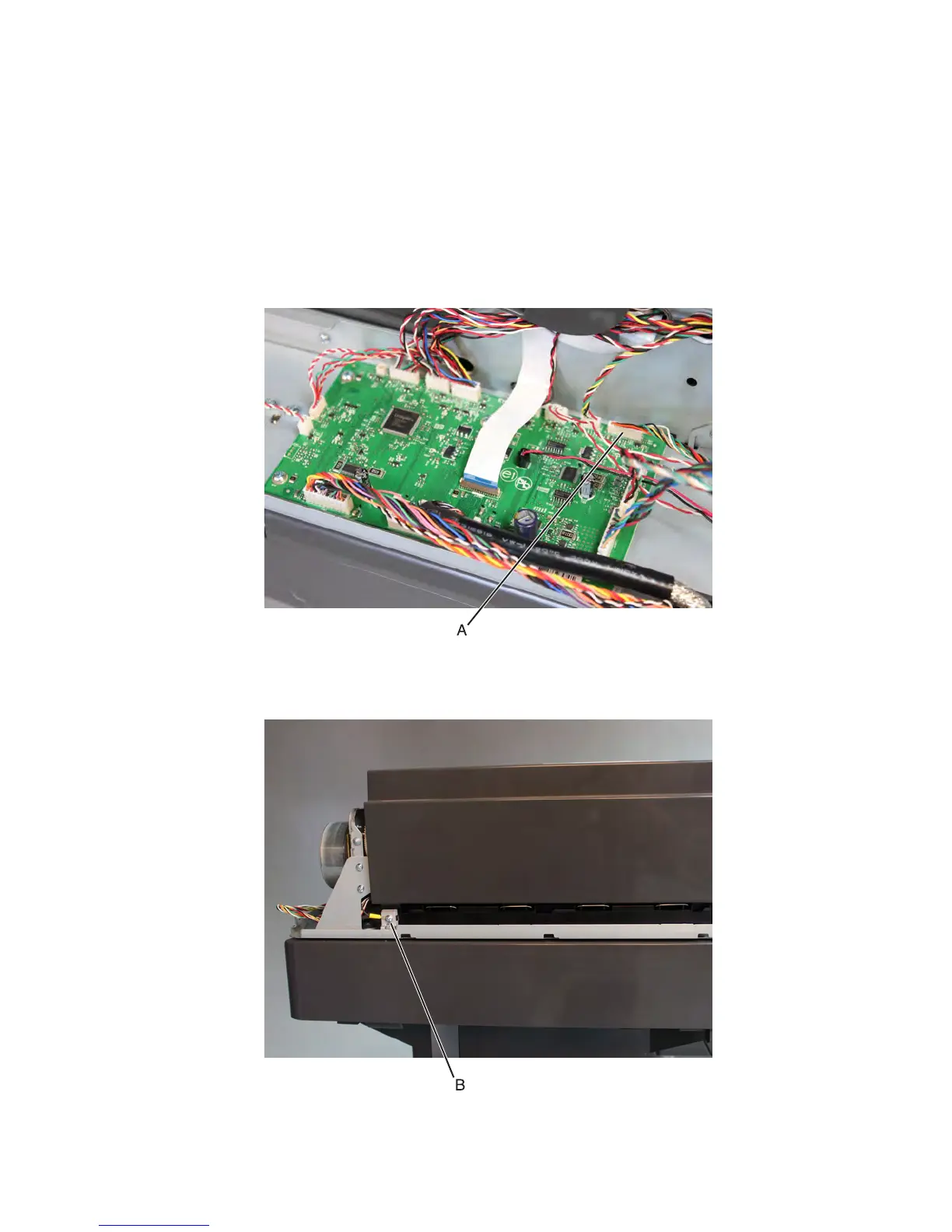
3 Disconnect the JHINGE1 cable (A) from the ADF controller.
4 Remove the ADF left lower cover.
5 Remove the screw (B) securing the ground cable.
7463
Repair information
583



 To Next Page