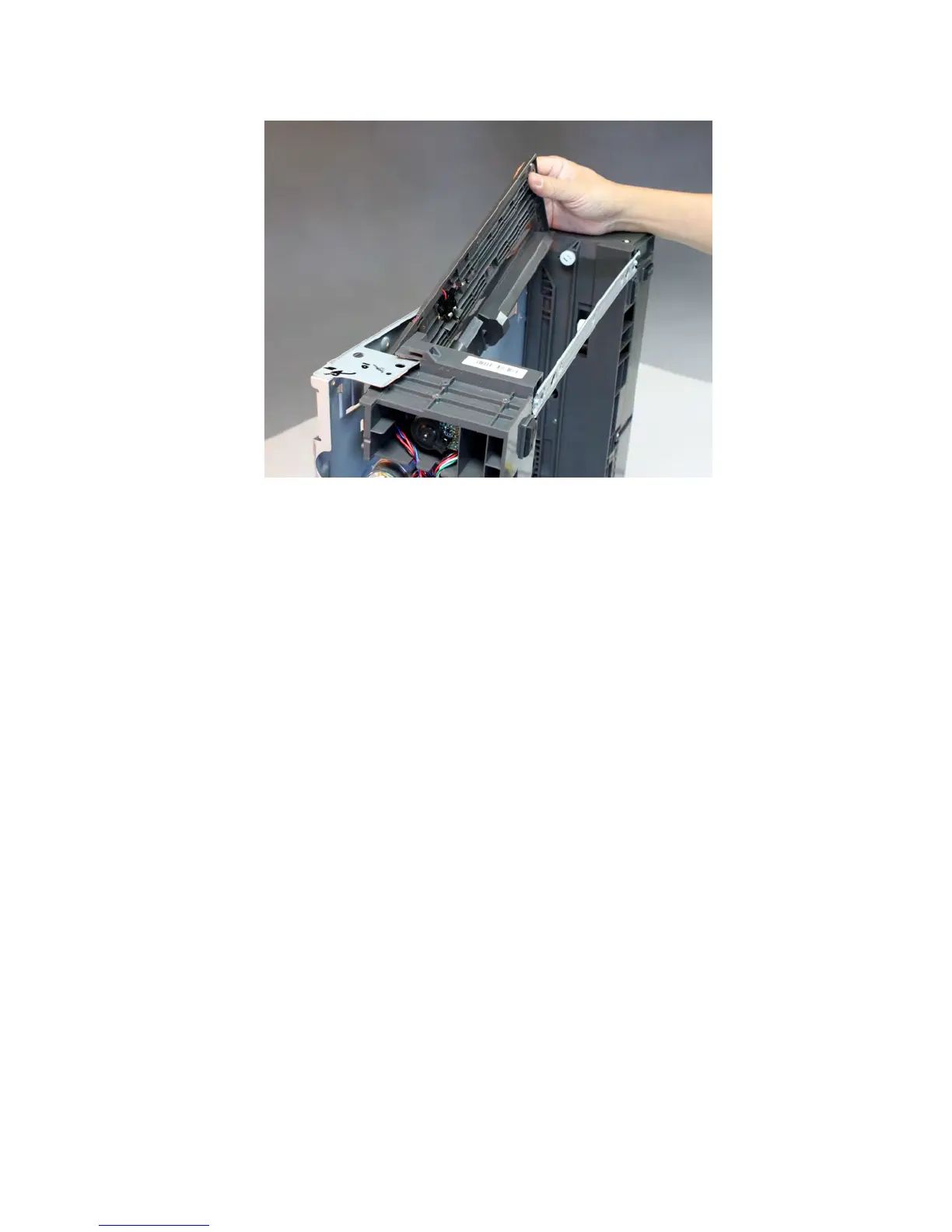
8 To access the cable, lift the left side of the top plate, and pull the sensor assembly away from the drawer.
Note: Pay attention to the original routing of the cable.
9 Route the sensor cable off the drawer, and remove the sensor.
High capacity input tray option removals (MX810, MX811, and
MX812)
High capacity input tray option removal
1 Push the latch sideward until it locks.
2 Lift the printer or drawer above it, and separate.
7463
Repair information
704



 To Next Page