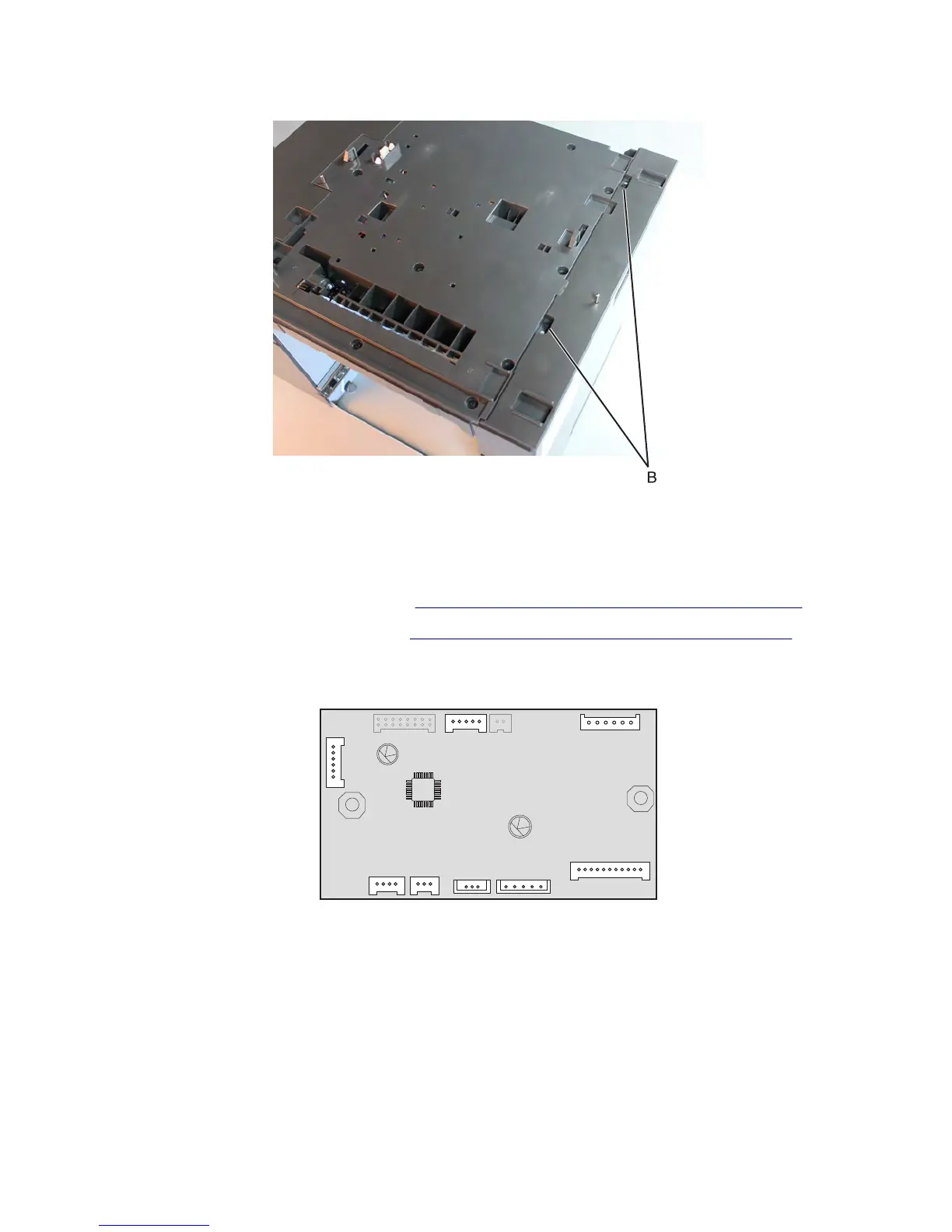
3 Remove the two screws (B) from the top side of the cover.
4 Remove the right cover.
HCIT controller board removal
1 Remove the drawer assembly rear cover. See “HCIT drawer assembly rear cover removal” on page 709.
2 Remove the drawer assembly left cover. See “HCIT drawer assembly left cover removal” on page 709.
3 Disconnect all the cables (J3, J5, J11, J10, J9, J8, J7 and J1) from the controller board, then remove the two screws
(A).
7463
Repair information
711



 To Next Page