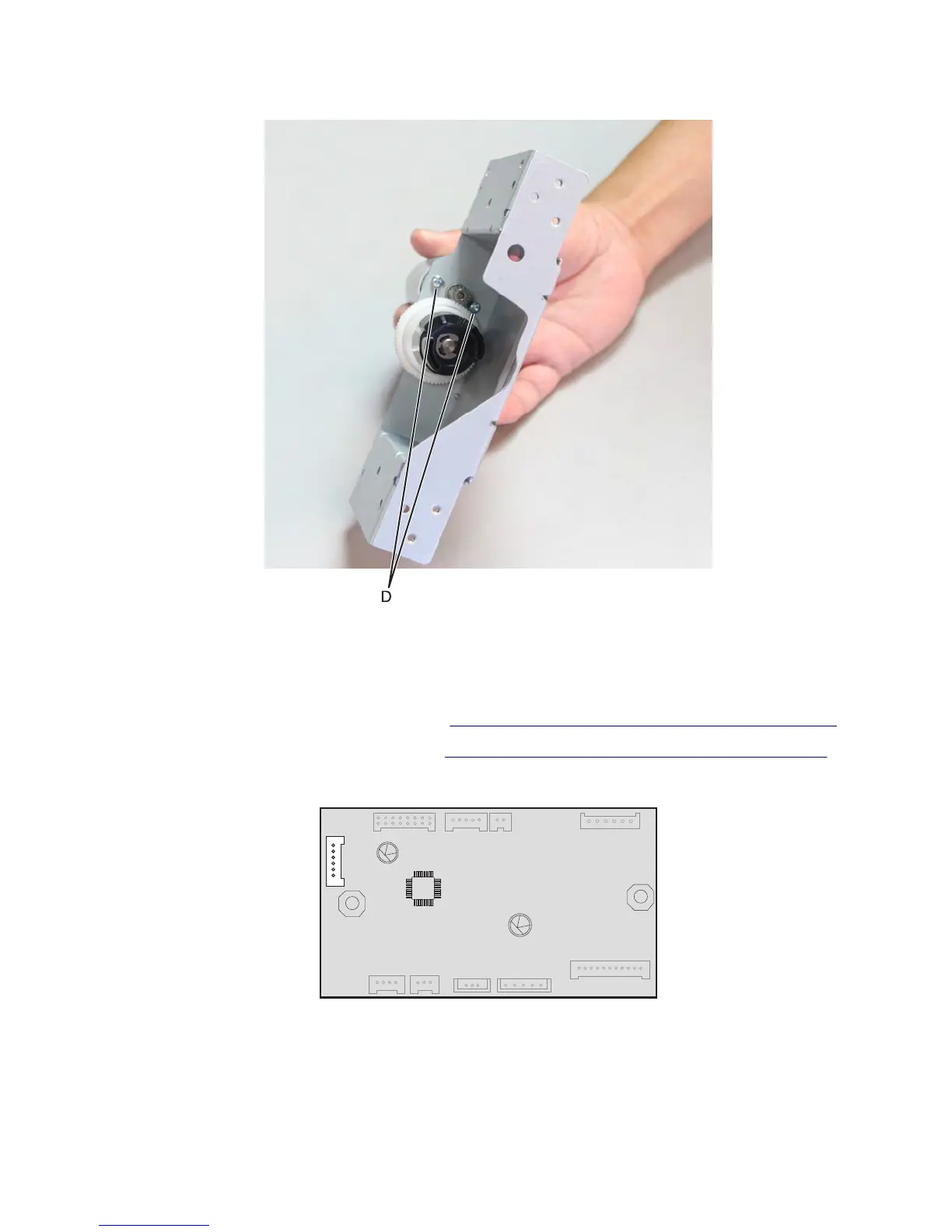
5 Lift the motor cover, and remove the two screws (D) using a #1 Phillips screwdriver.
6 Remove the tray lift drive motor.
HCIT drawer assembly interface cable removal
1 Remove the HCIT drawer assembly rear cover. See “HCIT drawer assembly rear cover removal” on page 709.
2 Remove the HCIT drawer assembly left cover. See “HCIT drawer assembly left cover removal” on page 709.
3 Disconnect the interface cable J1 from the controller board.
7463
Repair information
716



 To Next Page