Mailbox option removals
Mailbox option removal
1 Press the latches to release.
2 Lift the option off the printer.
Mailbox top cover removal
1 Lift the top cover.
2 Remove the top cover from the mailbox option.
Mailbox rear door removal
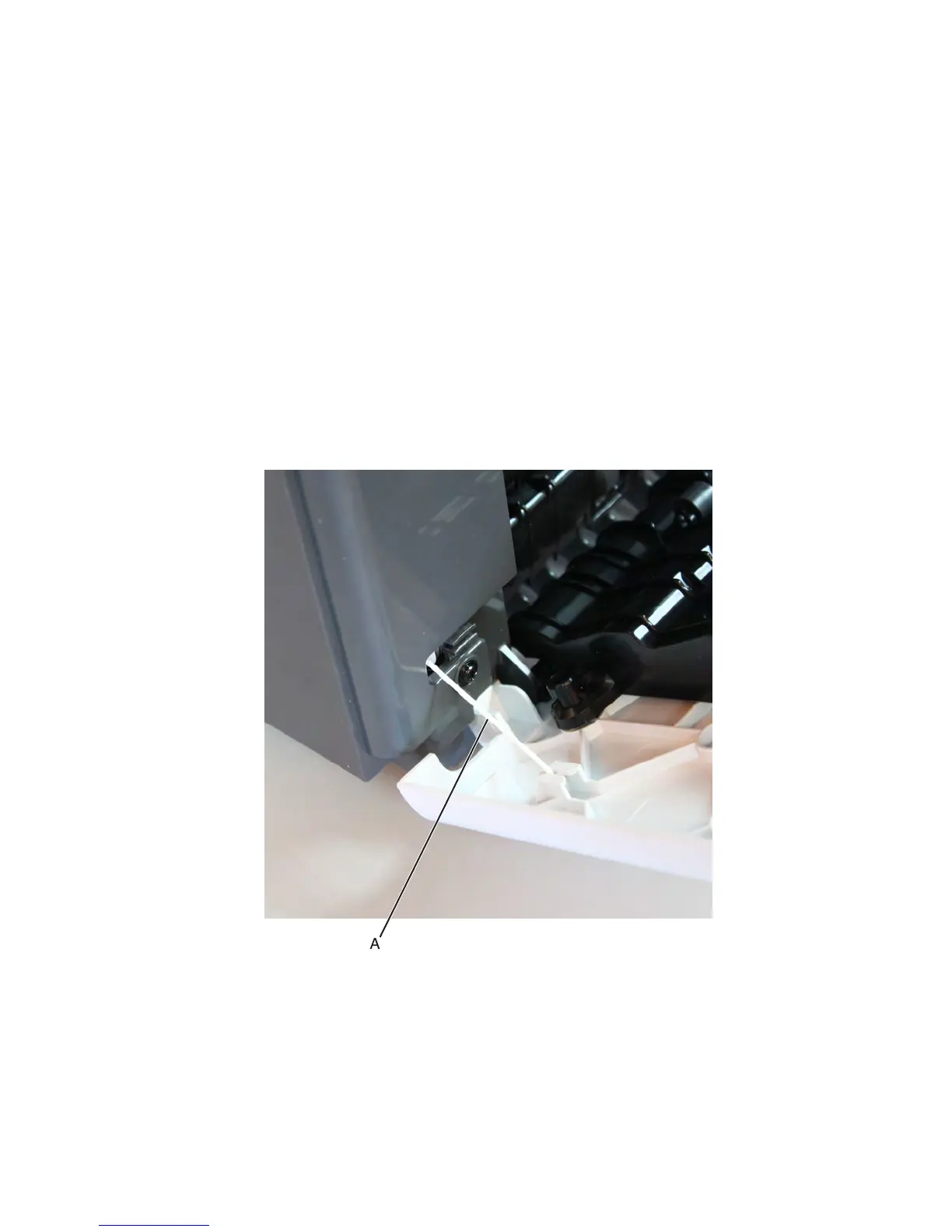
1 Open the rear door, and detach the string (A) from the door.
Note: Fasten the string end (B) to the rear side to prevent it from recoiling into the interior of the mailbox.
7463
Repair information
791



 To Next Page