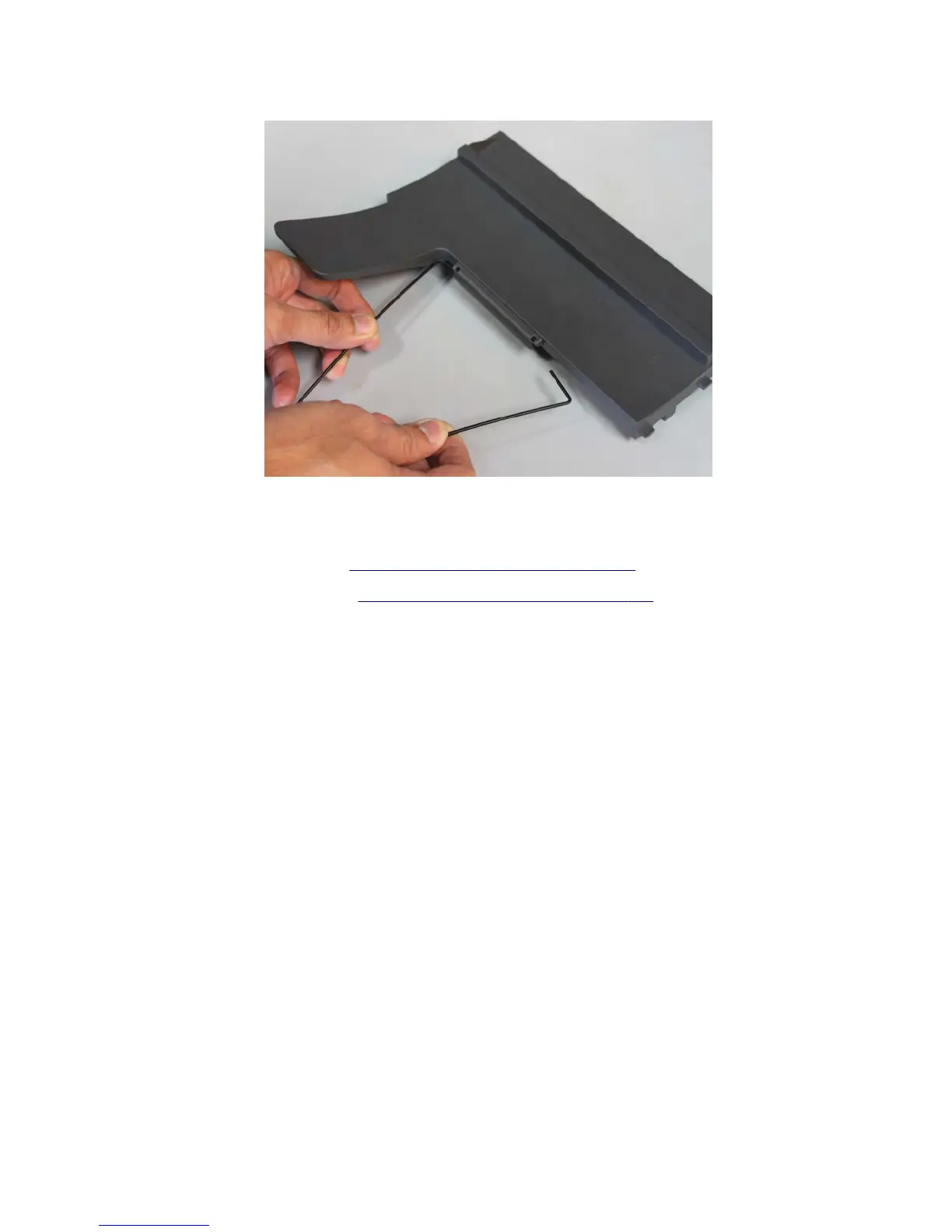
2 Release the mud bail flap from the bin cover, and then remove.
Mailbox spring with string removal
1 Remove the mailbox top cover. See “Mailbox top cover removal” on page 791.
2 Remove the mailbox right cover. See “Mailbox right cover removal” on page 793.
3 Remove the spring (A) with string.
Note: Pay attention to the original position of the string. The string on the pulley is wound clockwise.
7463
Repair information
795



 To Next Page