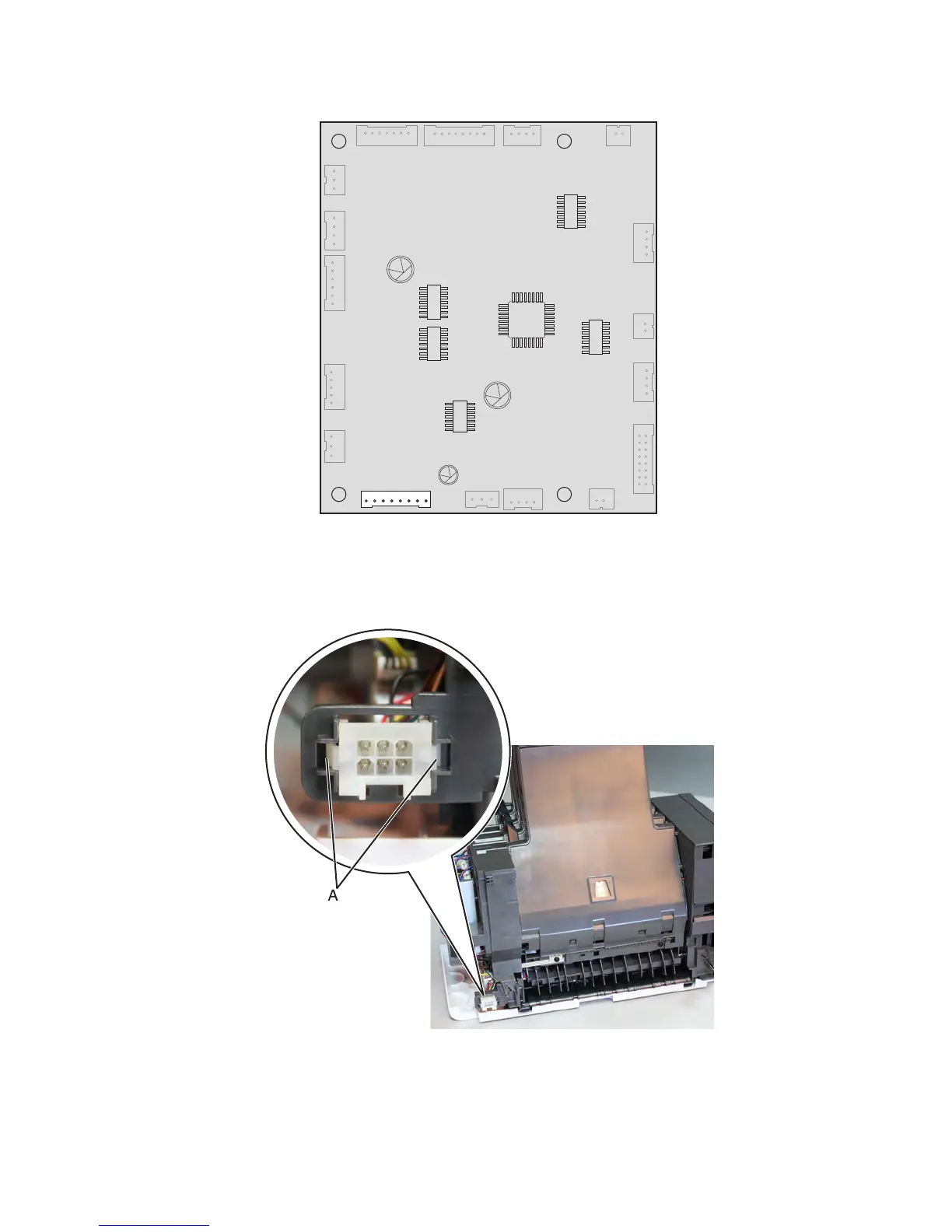
3 Disconnect the lower interface cable J1A from the controller board.
4 Cut the cable tie holding the lower interface cable.
Installation note: Make sure the cables don't get in the way of moving parts.
5 Push inward to release the latches (A), then push the connector off its slot.
6 Remove the lower interface cable.
7463
Repair information
813



 To Next Page