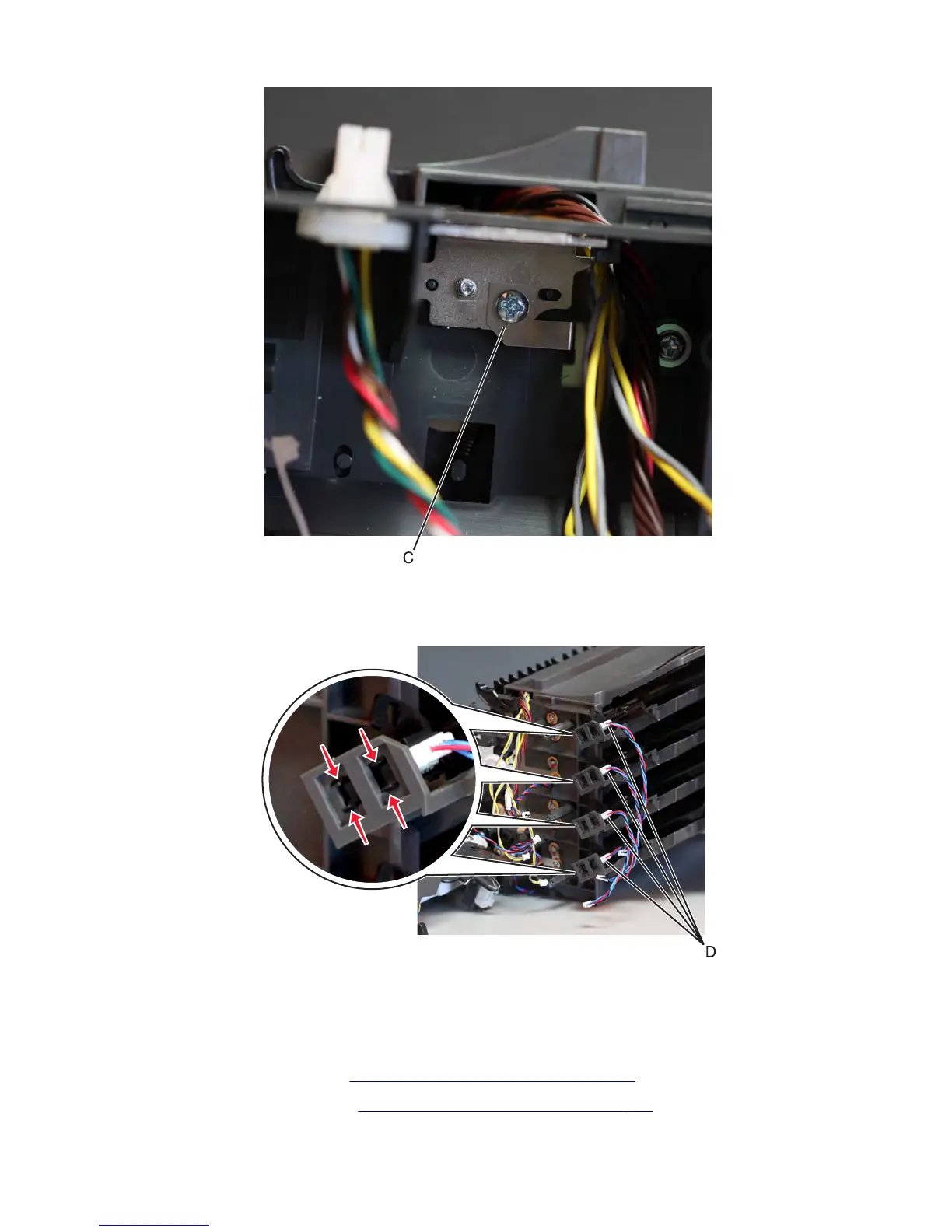
7 Swing the inner left frame away from the mailbox to access the sensors.
8 Disconnect the cable (D) from the sensor.
9 Release the latches, and remove the sensor.
Mailbox belt removal
1 Remove the mailbox top cover. See “Mailbox top cover removal” on page 791.
2 Remove the mailbox right cover. See “Mailbox right cover removal” on page 793.
7463
Repair information
820



 To Next Page