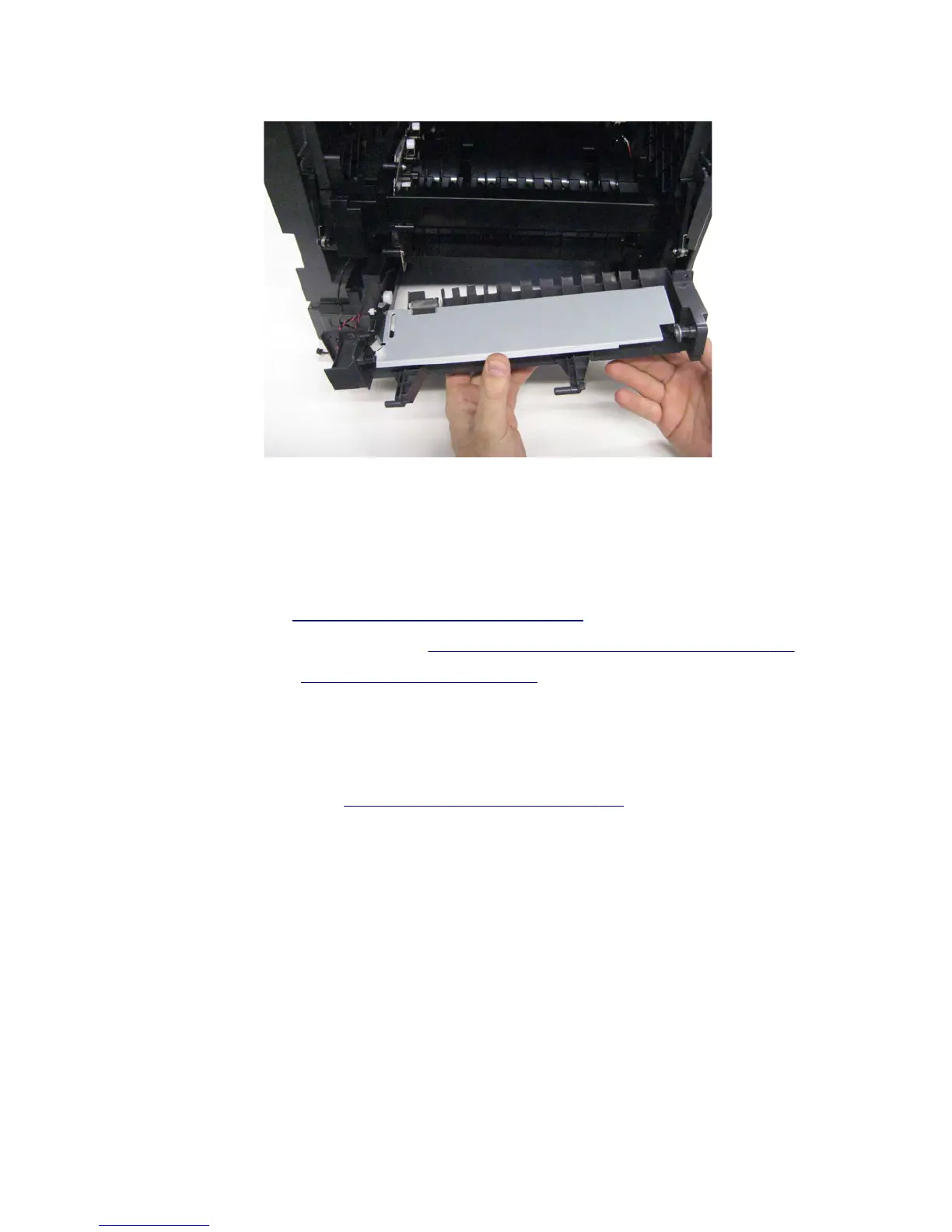
11 Remove the MPF feeder lift plate.
Installation warning: When replacing the MPF feeder lift plate, ensure that the MPF feeder lift plate cable and
solenoid cable are properly rerouted and that all cables are properly reconnected. Make sure that these cables
are not pinched between the MPF feeder lift plate and the frame before replacing the screws.
MPF pick roller removal
1 Remove the left cover. See “Left cover removal (MX71x)” on page 416.
2 Remove the controller board access shield. See “Controller board access shield removal” on page 424.
3 Remove the media tray. See “Media tray removal” on page 538.
4 Open the control panel door.
5 Remove the toner cartridge.
6 Remove the imaging unit.
7 Remove the media turn guide. See “Media turn guide removal” on page 462.
7463
Repair information
468



 To Next Page