ES300h_OM_OM33B71U_(U)
291
5-1. Basic Operations
5
Lexus Display Audio system
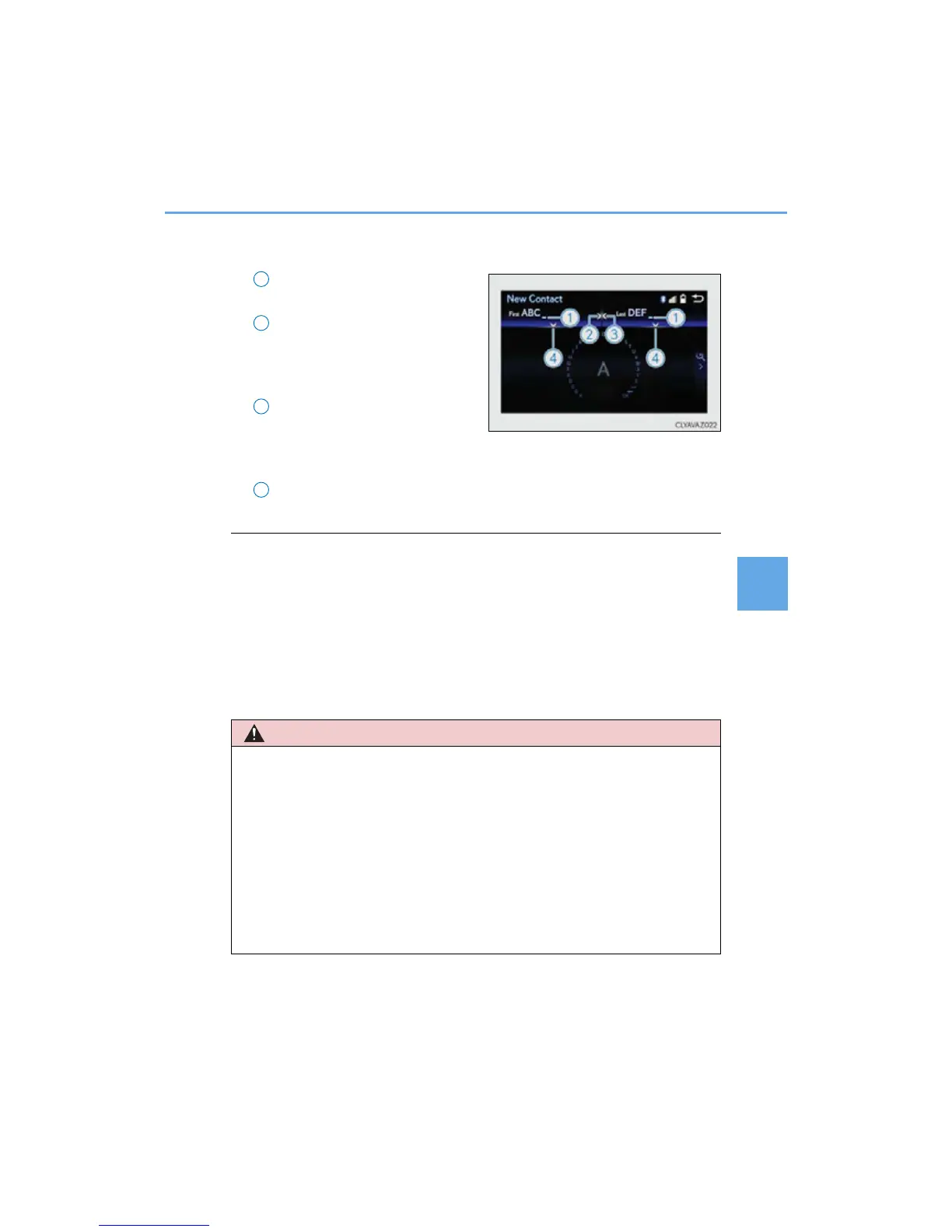
■ Input field mode
When in the input field you can move the cursor to the desired position.
Turn the controller to move the
cursor left or right.
When this indicator is shown, you
can move the cursor to the right
input field by moving the control-
ler to the right.
When this indicator is shown, you
can move the cursor to the left
input field by moving the control-
ler to the left.
When this indicator is shown, you can change to input mode by moving the
controller backward.
■ When using the screen
● Under extremely cold conditions, the Lexus Display Audio controller may react slowly.
● If the screen is cold, the display may be dark, or the system may seem to be operating
slightly slower than normal.
● The screen may seem dark and hard to see when viewed through sunglasses. Change
your angle of viewing, adjust the display on the “Display” screen (P. 302) or remove
your sunglasses.
■ Using cellular phones
Interference may be heard through the audio system’s speakers if a cellular phone is
being used inside or close to the vehicle while the audio system is operating.
1
2
3
■ Using the Lexus Display Audio controller
Be careful when touching the Lexus Display Audio controller in extreme temperatures
as it may become very hot or cold due to the temperature inside the vehicle.
■ Laser product
● CAUTION
USE OF CONTROL OR ADJUSTMENT OR PERFORMANCE OF PROCE-
DURES OTHER THAN THOSE SPECIFIED HEREIN MAY RESULT IN HAZARD-
OUS RADIATION EXPOSURE.
● CAUTION
THE USE OF OPTICAL INSTRUMENTS WITH THIS PRODUCT WILL
INCREASE EYE HAZARD.
4



 To Next Page