386
6-1. Using the air conditioning system and defogger
ES300h_OM_OM33B71U_(U)
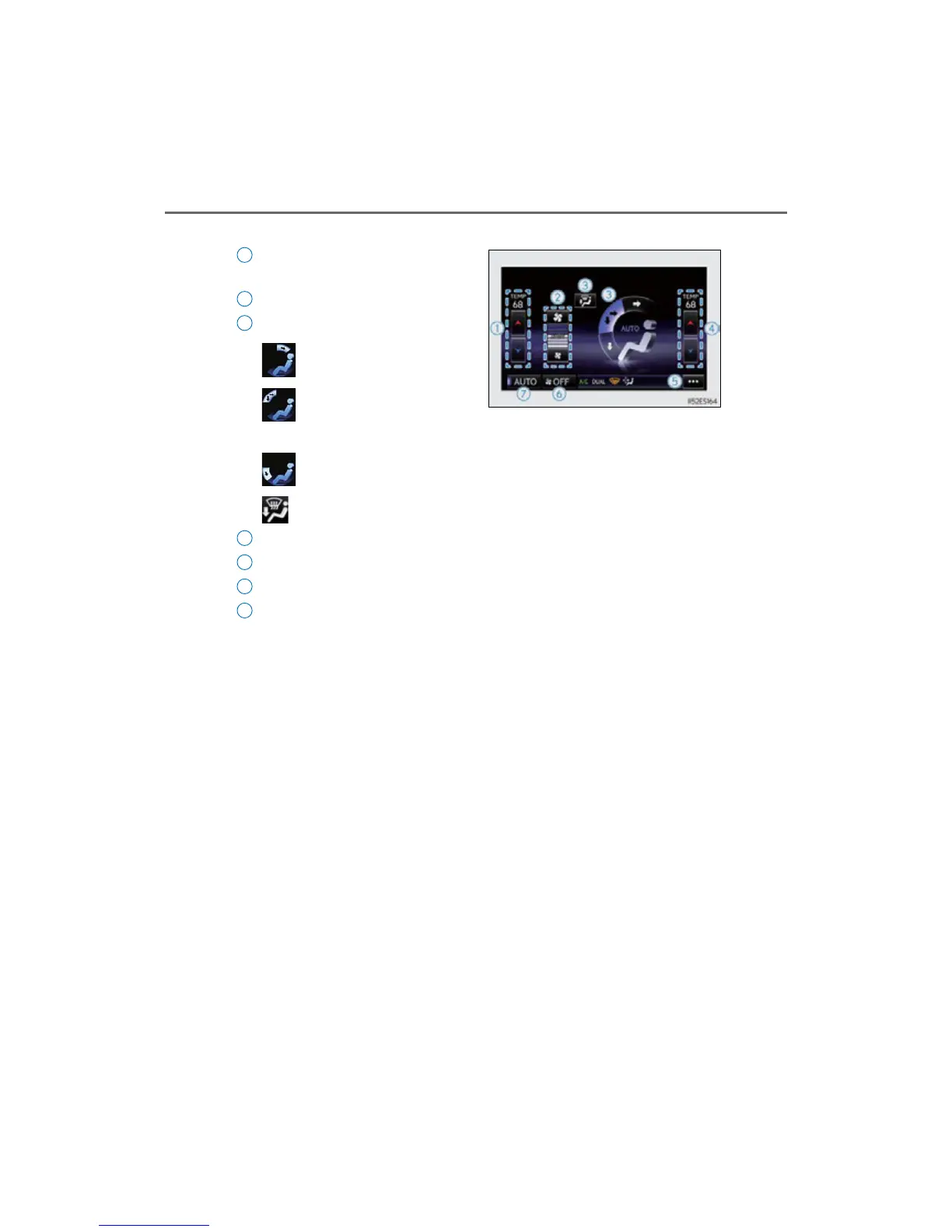
Vehicles with navigation system
Adjust the left-hand side tempera-
ture setting
Adjust the fan speed setting
Select the air flow mode
: Air flows to the upper body
: Air flows to the upper body
and feet
: Air flows to the feet
: Air flows to the feet and the windshield defogger operates
Adjust the right-hand side temperature setting
Display the option control screen (P. 387)
Turn th e f an of f
Select to set automatic mode on/off
To adjust or select settings, move the Remote Touch knob to select the screen
button, and then press the Remote Touch knob to enter the selected function.
1
2
3
4
5
6
7



 To Next Page