261
1. AUDIO/VIDEO SYSTEM OPERATION
5
AUDIO/VIDEO SYSTEM
ES350/300h_Navi_OM33A07U_(U)
12.05.07 10:20
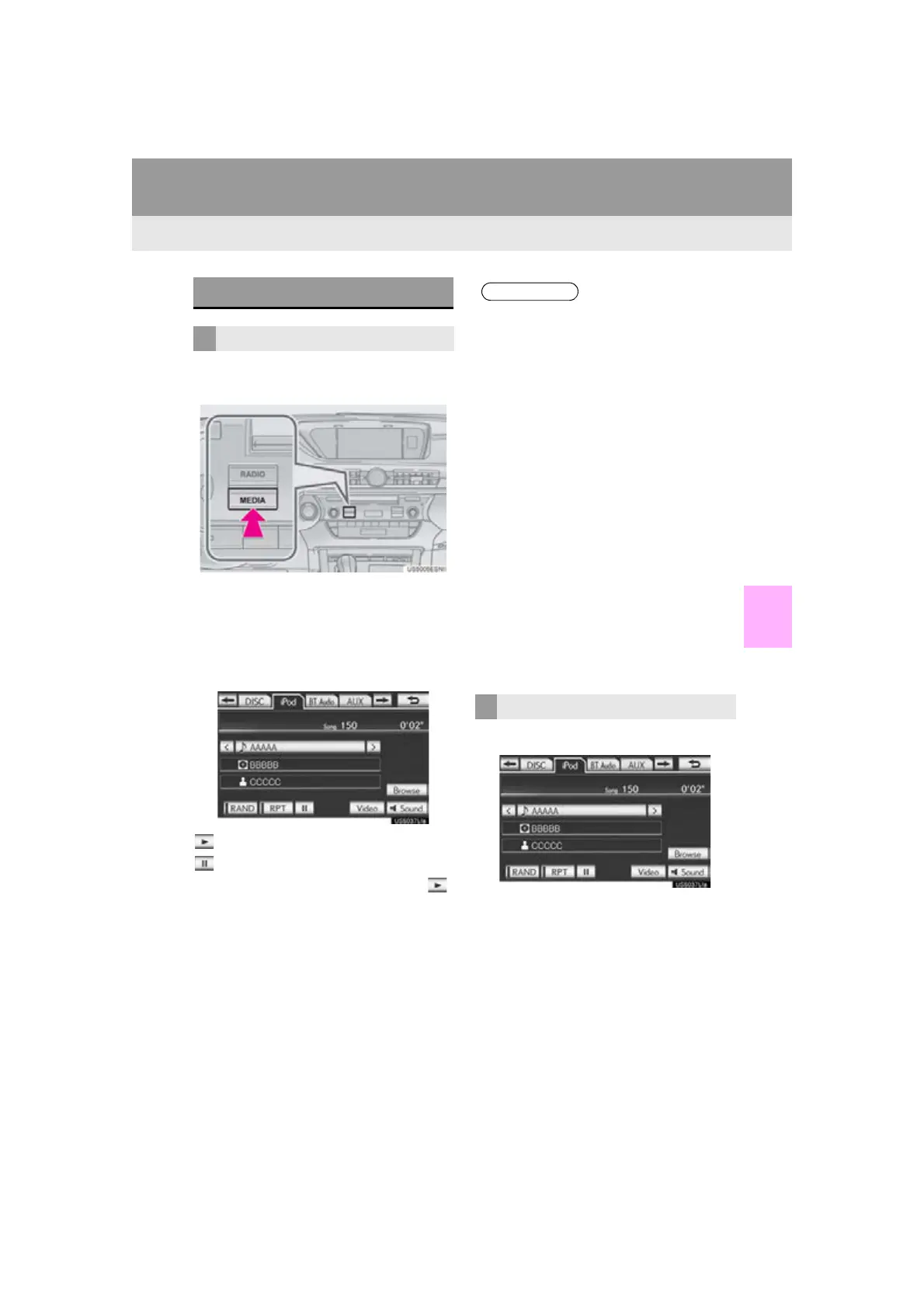
1 Press the “MEDIA” button if an iPod has
already been connected.
2 Select the “iPod” tab or press the “ME-
DIA” button repeatedly until the “iPod”
tab is selected.
For the Remote Touch operation method,
see “SWITCHING BETWEEN FUNC-
TIONS” on page 211.
: Select to start playing the music.
: Select to pause the music.
To start playing the music again, select .
1 Select “Browse”.
PLAYING iPod
PLAYING AND PAUSING iPod
● When the iPod connected to the system
includes iPod video, the system can only
output the sound by selecting “Video” on
the “iPod” screen.
● Depending on the iPod, the video sound
may not be able to be heard.
● Depending on the iPod and the songs in
the iPod, iPod cover art may be displayed.
This function can be changed to “On” or
“Off”. See “iPod SETTINGS” on page
289. It may take time to display iPod
cover art, and the iPod may not be oper-
ated while the cover art display is in pro-
cess. Only the iPod cover art that is saved
in JPEG format can be displayed.
● When an iPod is connected and the audio
source is changed to iPod mode, the iPod
will resume playing from the same point it
was last used.
● Depending on the iPod that is connected
to the system, certain functions may not
be available.
SELECTING A PLAY MODE



 To Next Page